
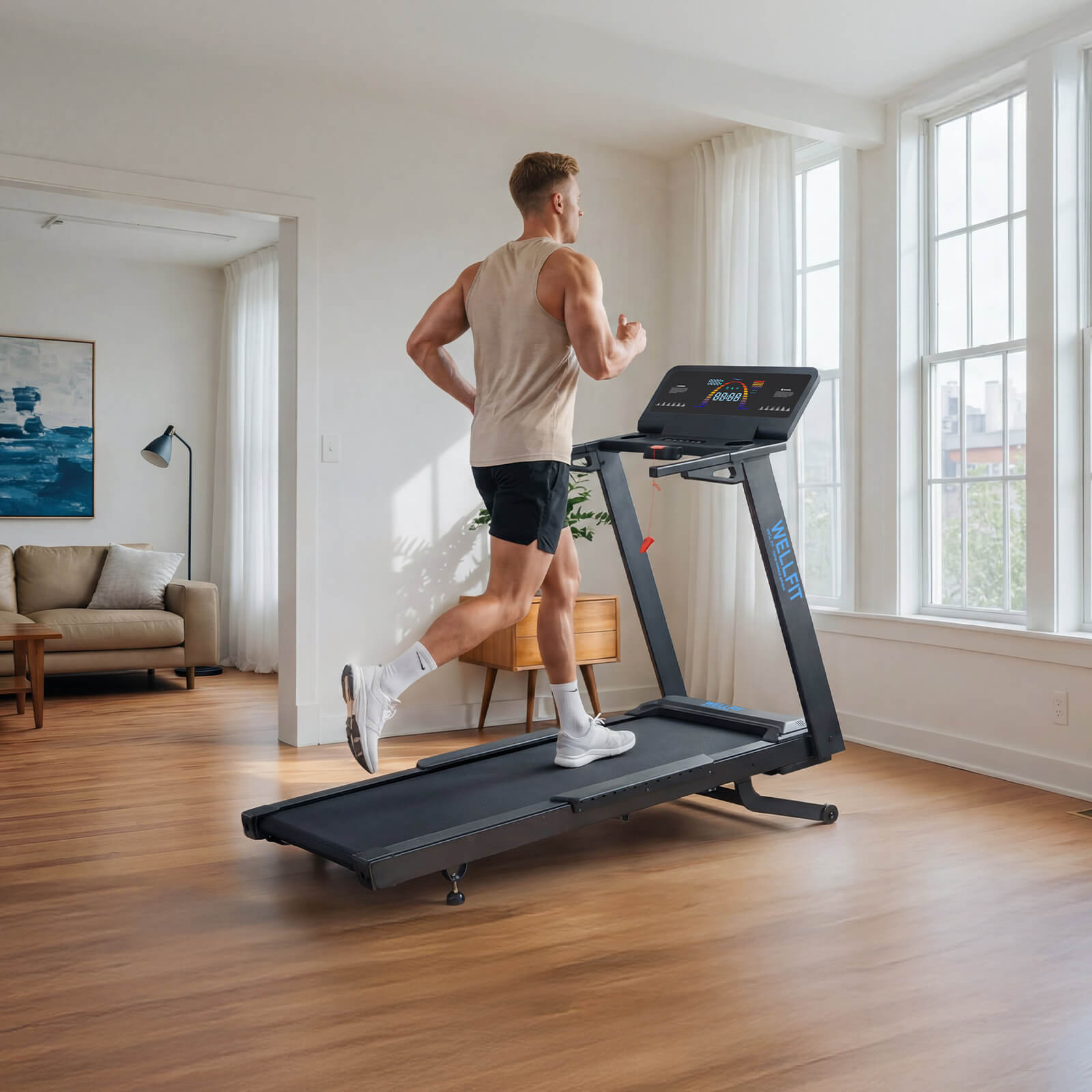
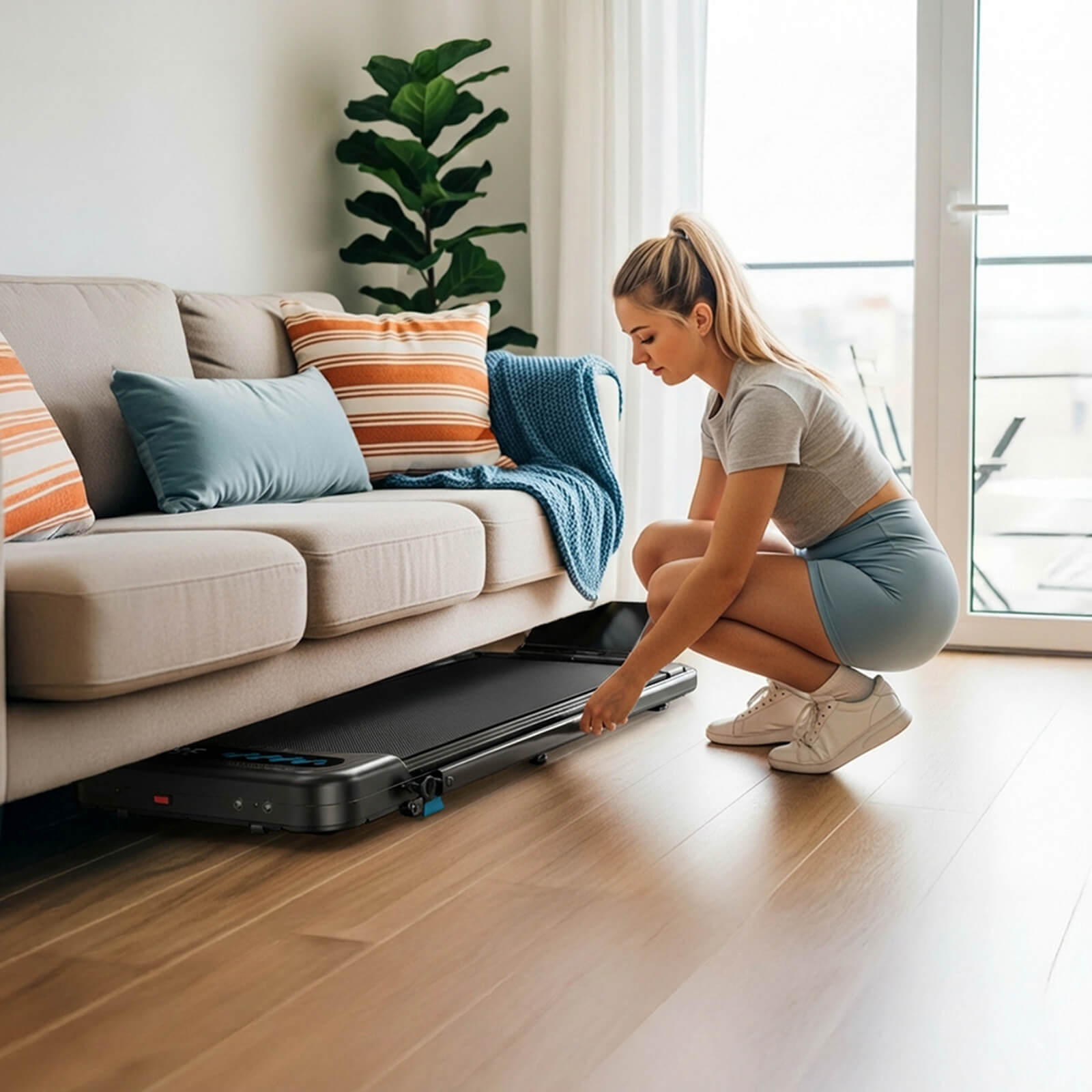
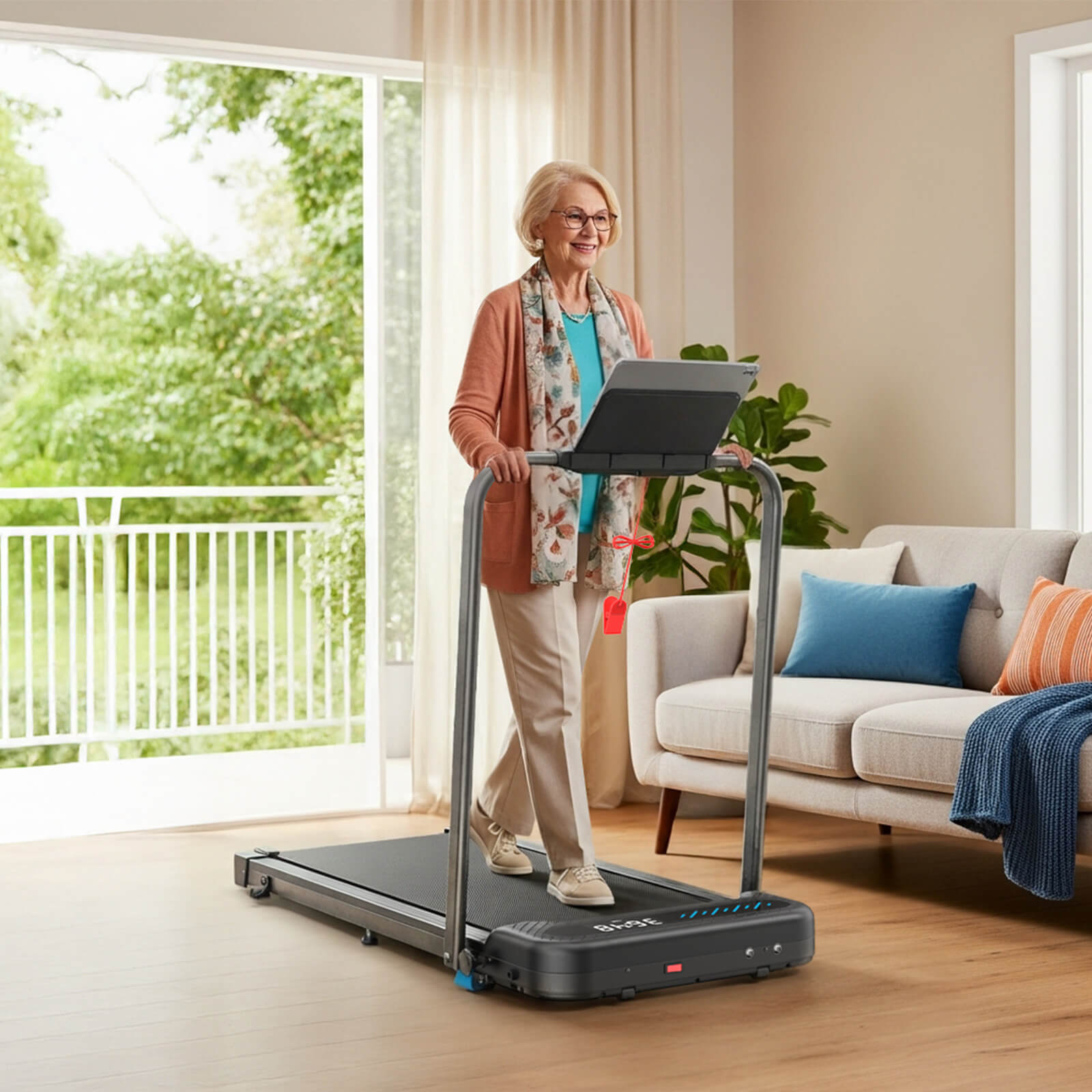
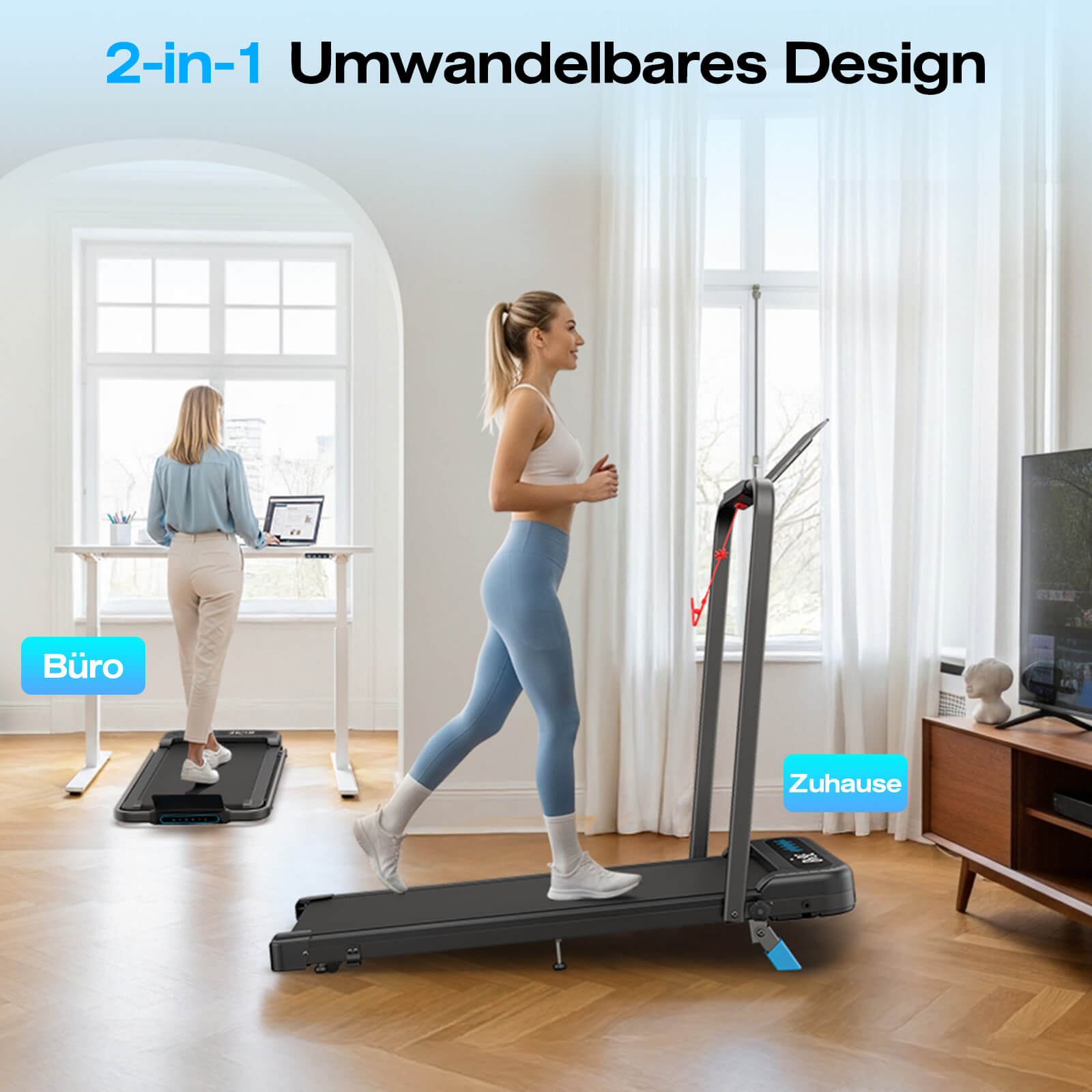
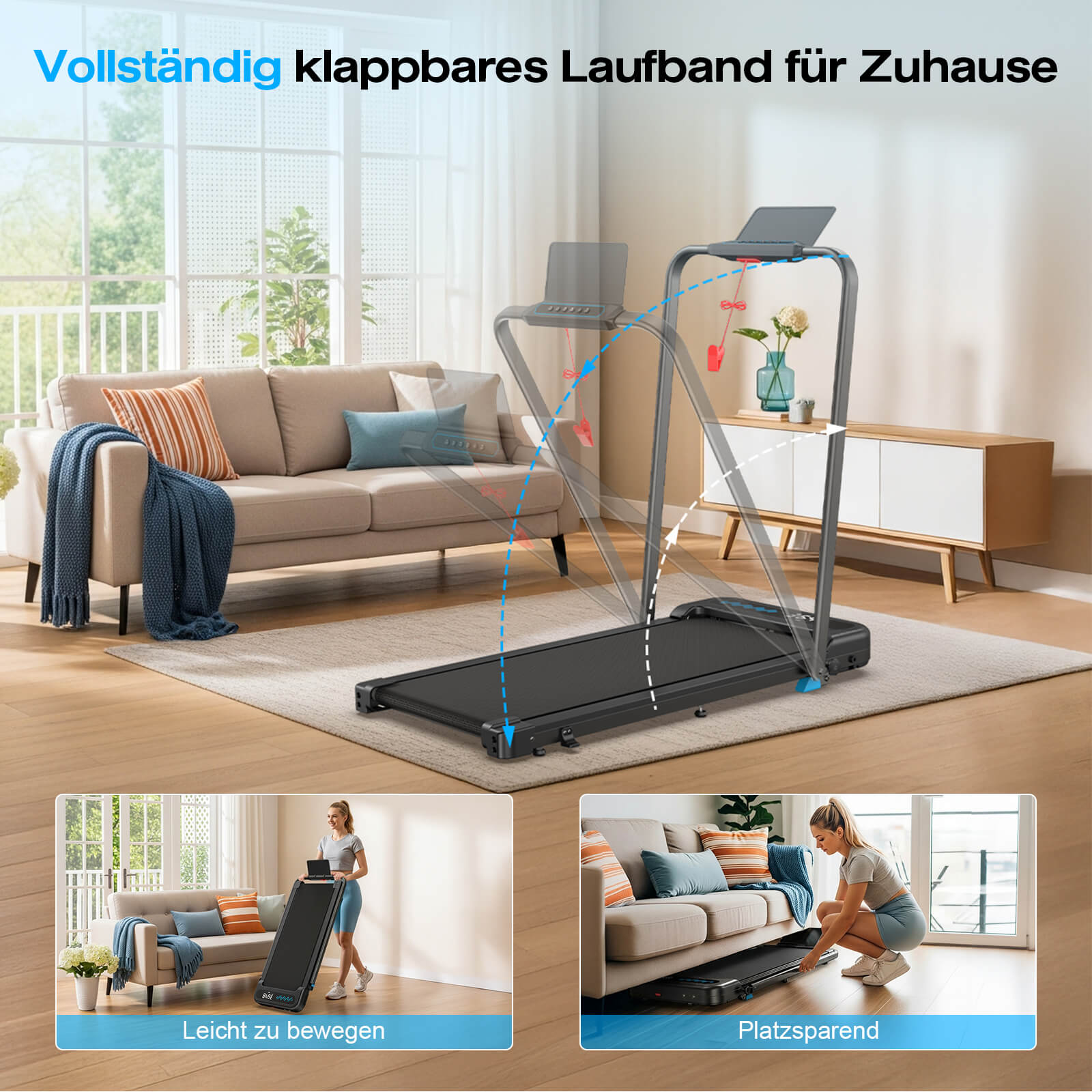
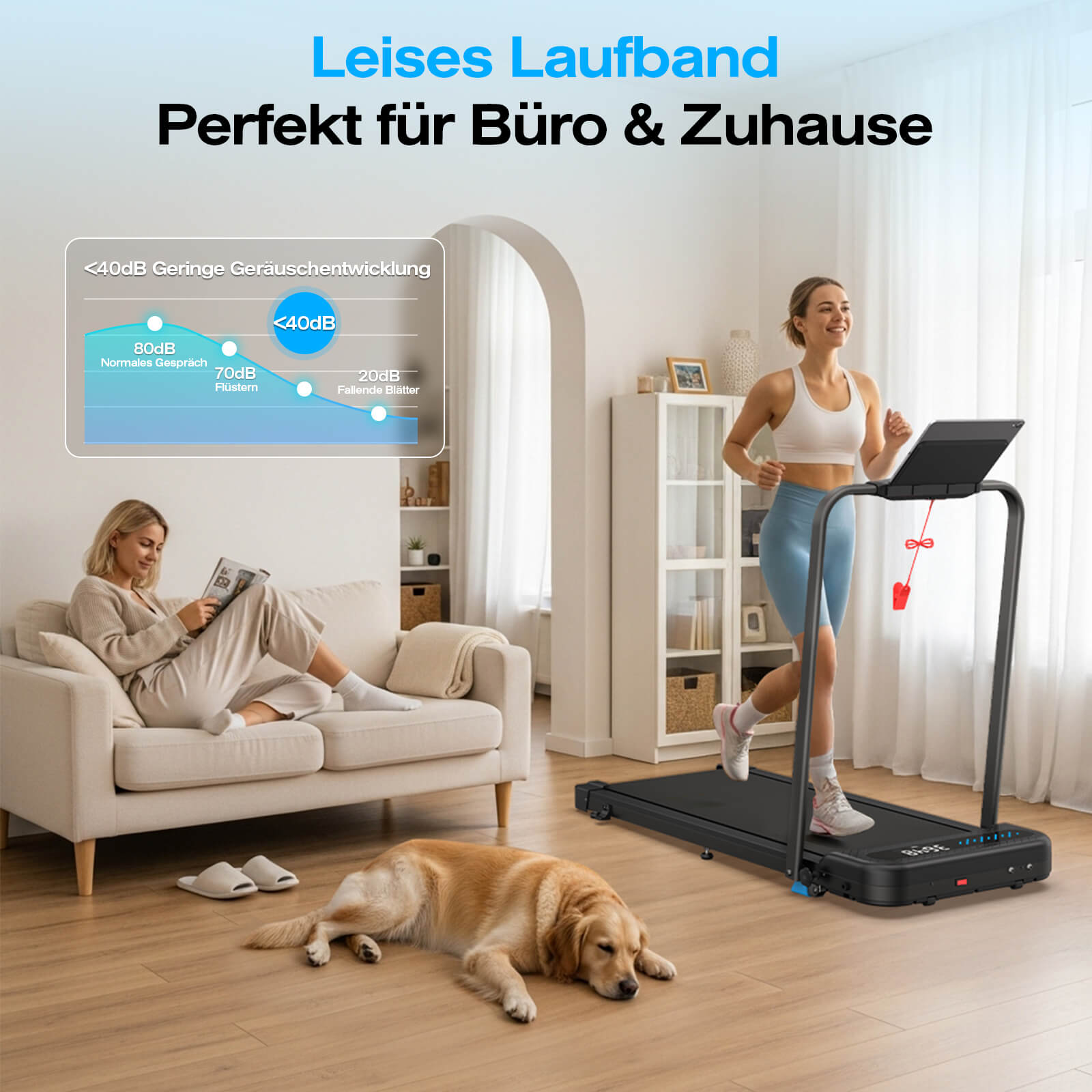
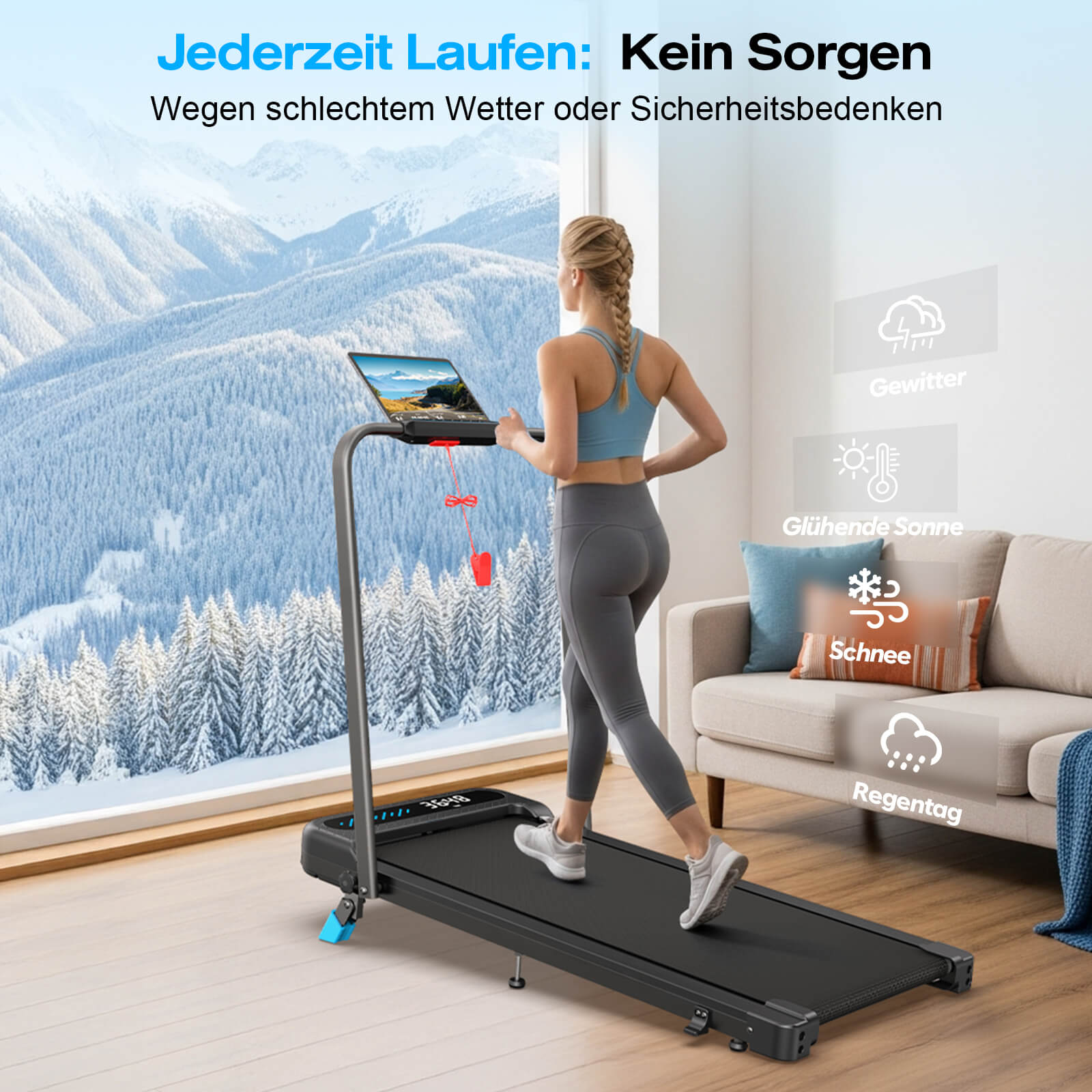
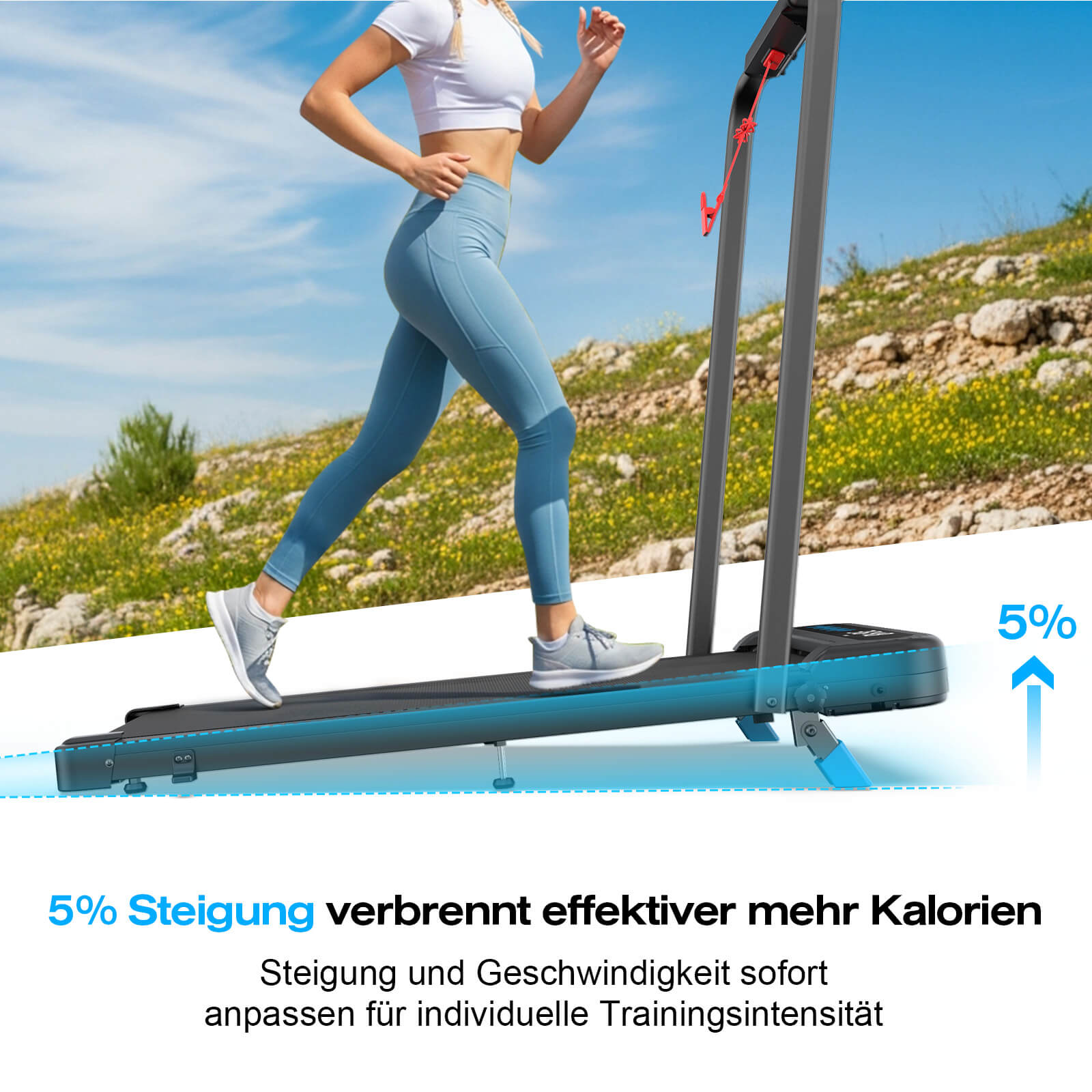
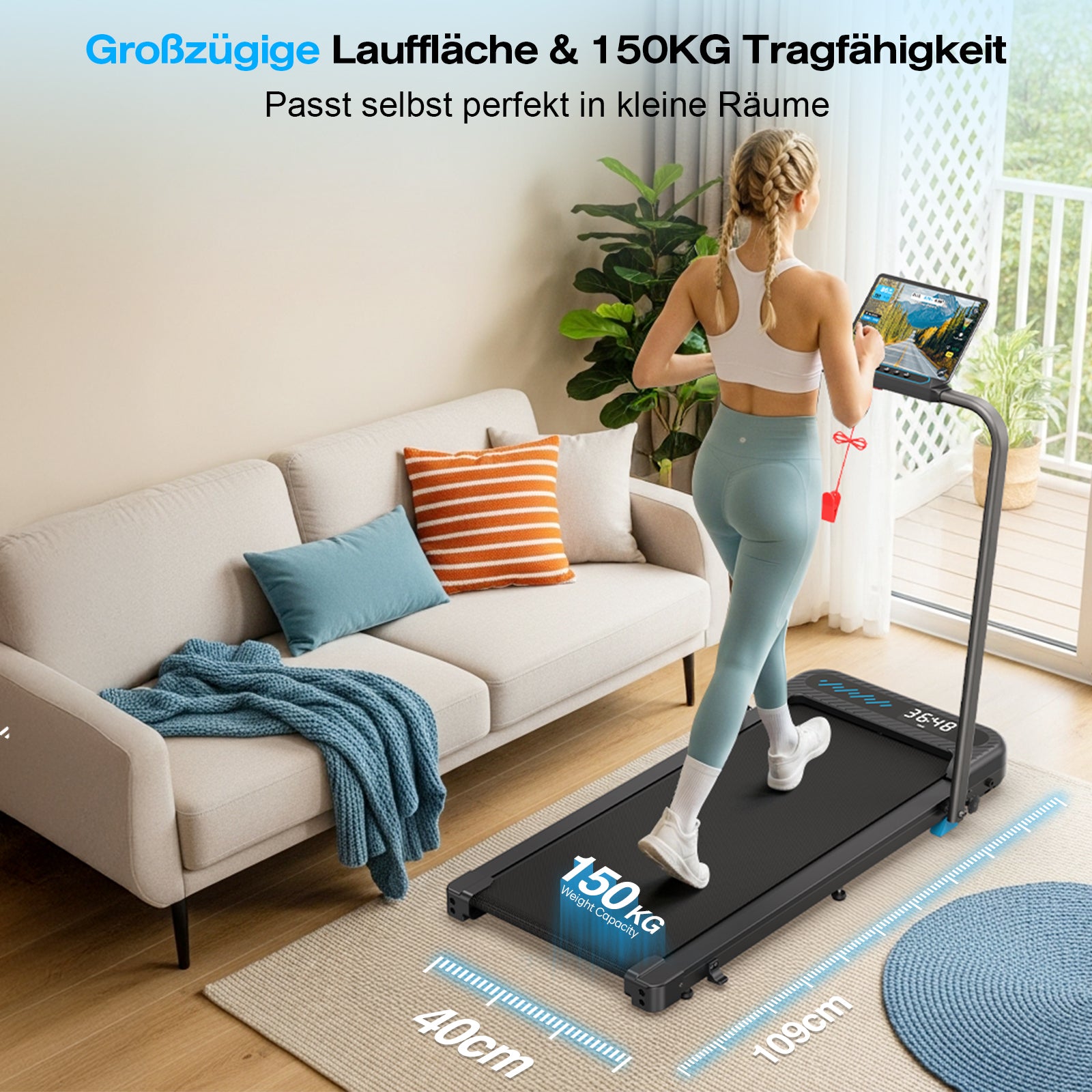
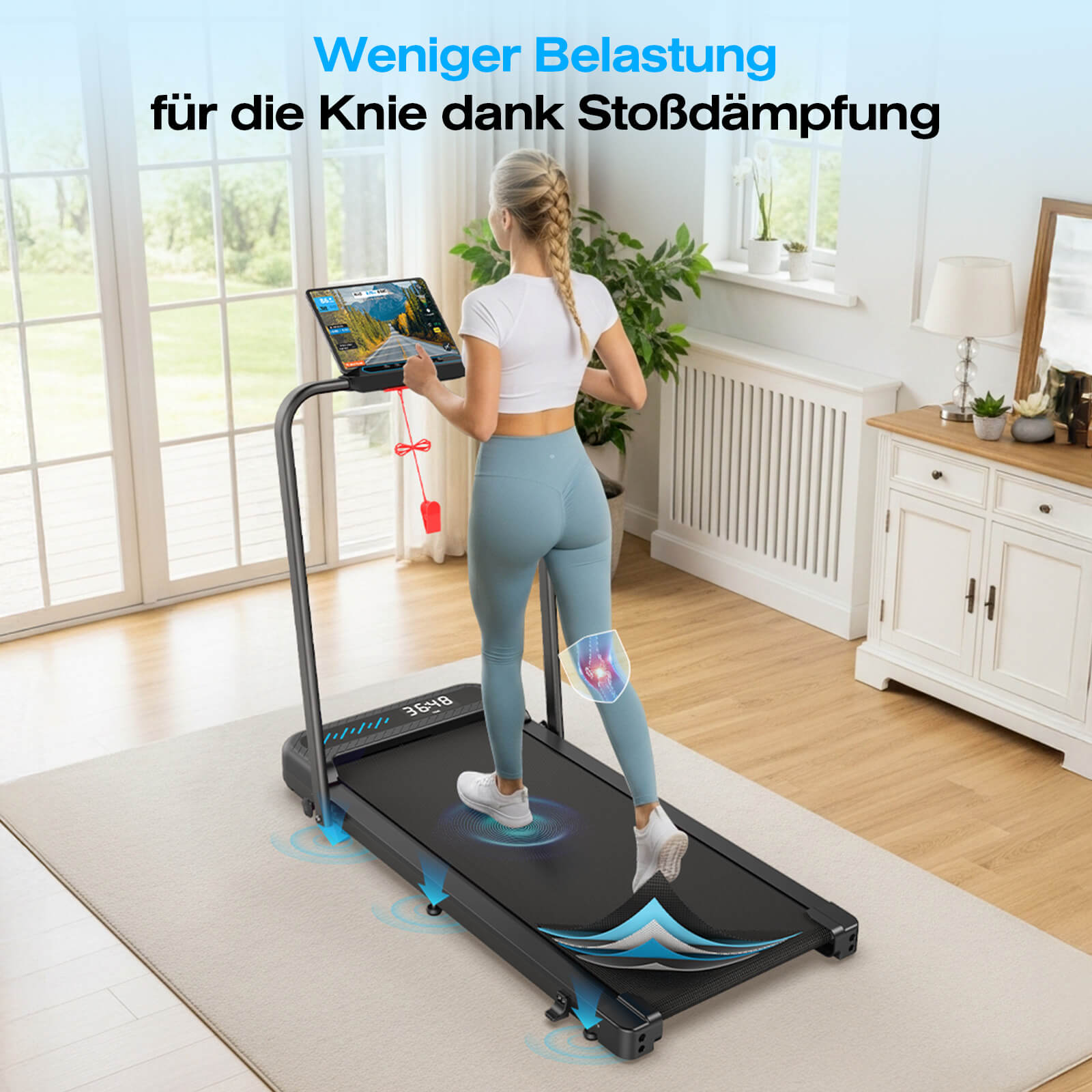
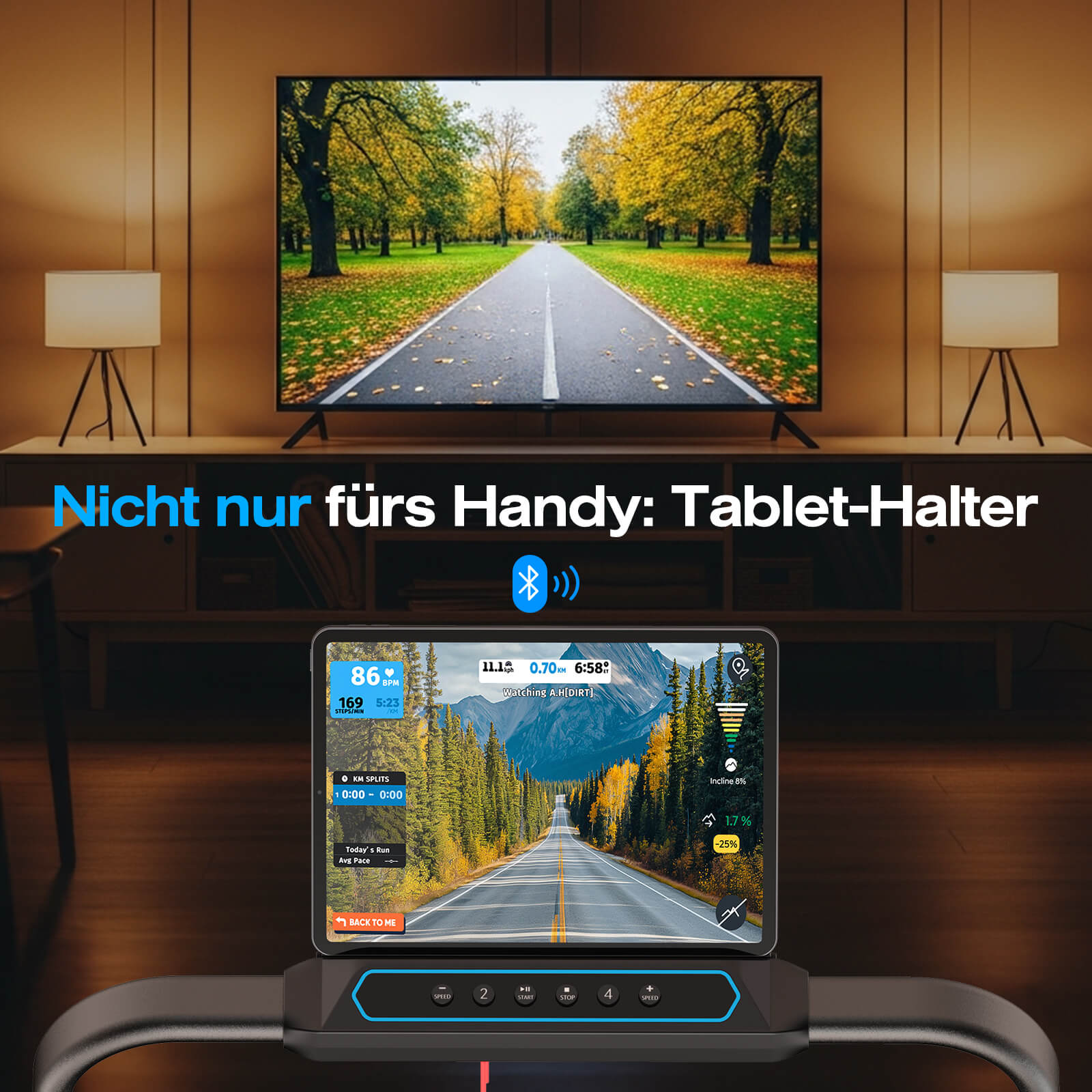
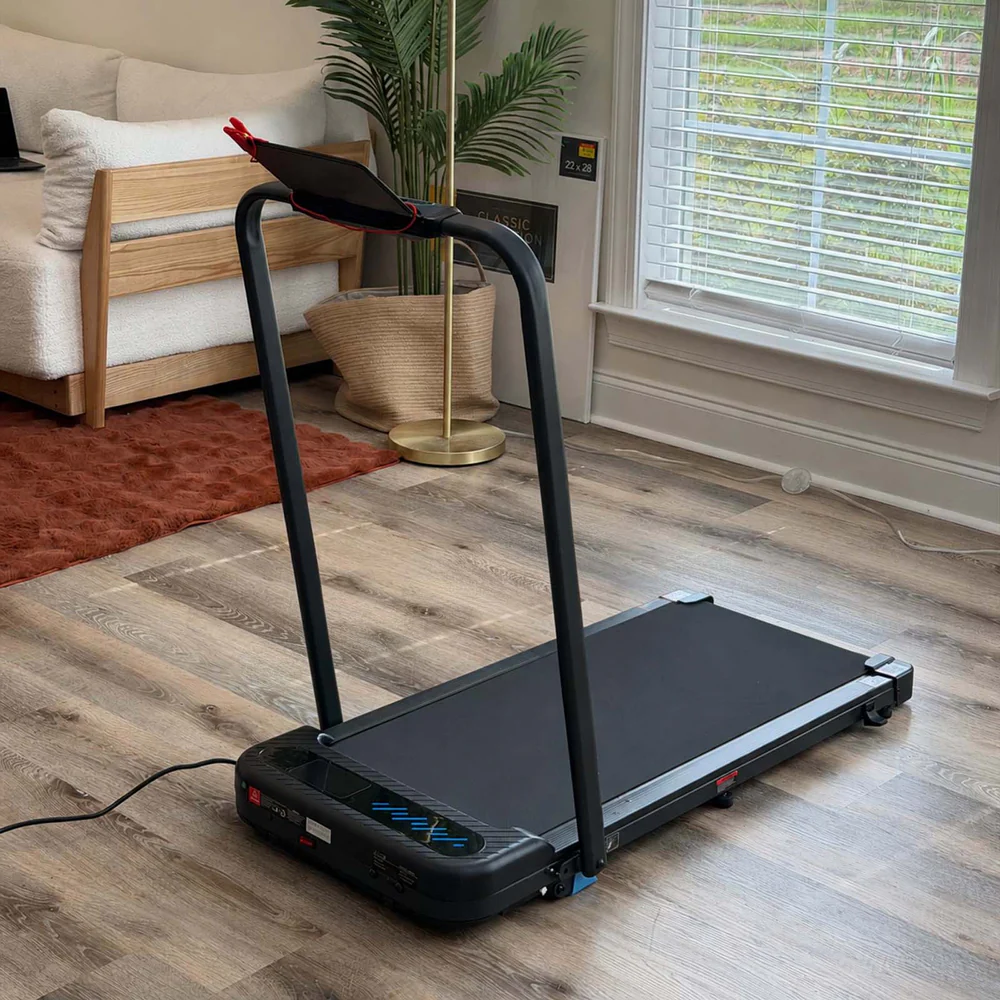
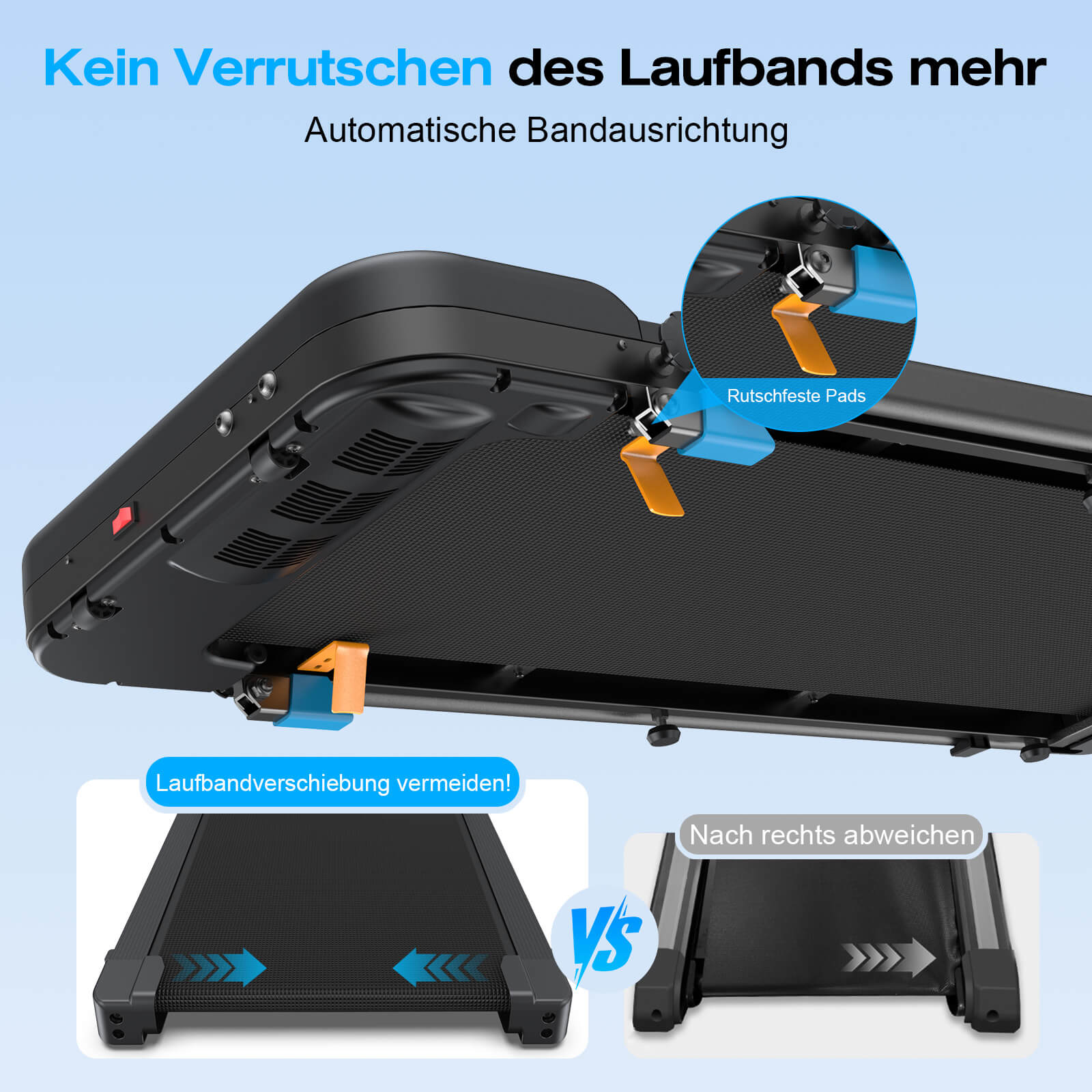
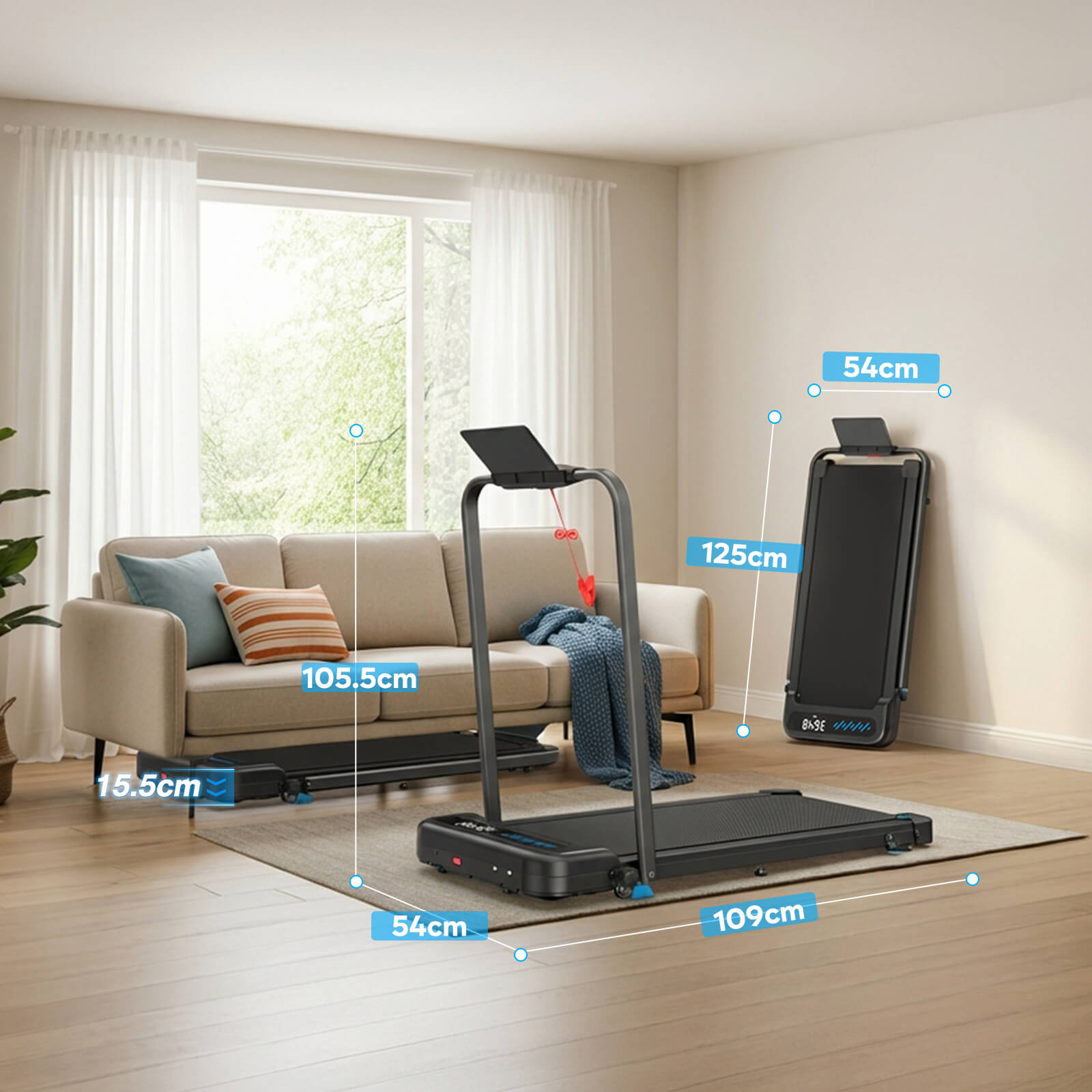
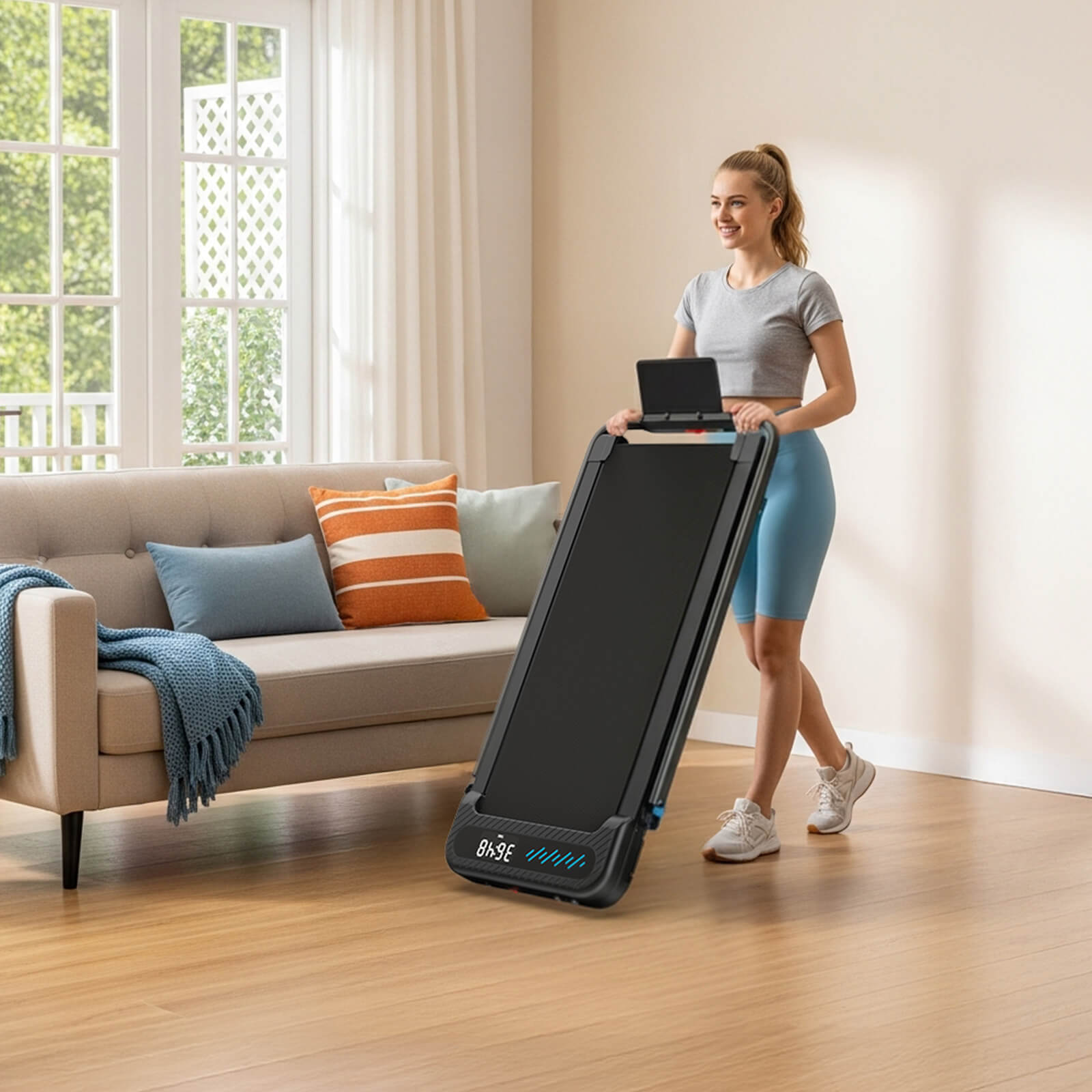
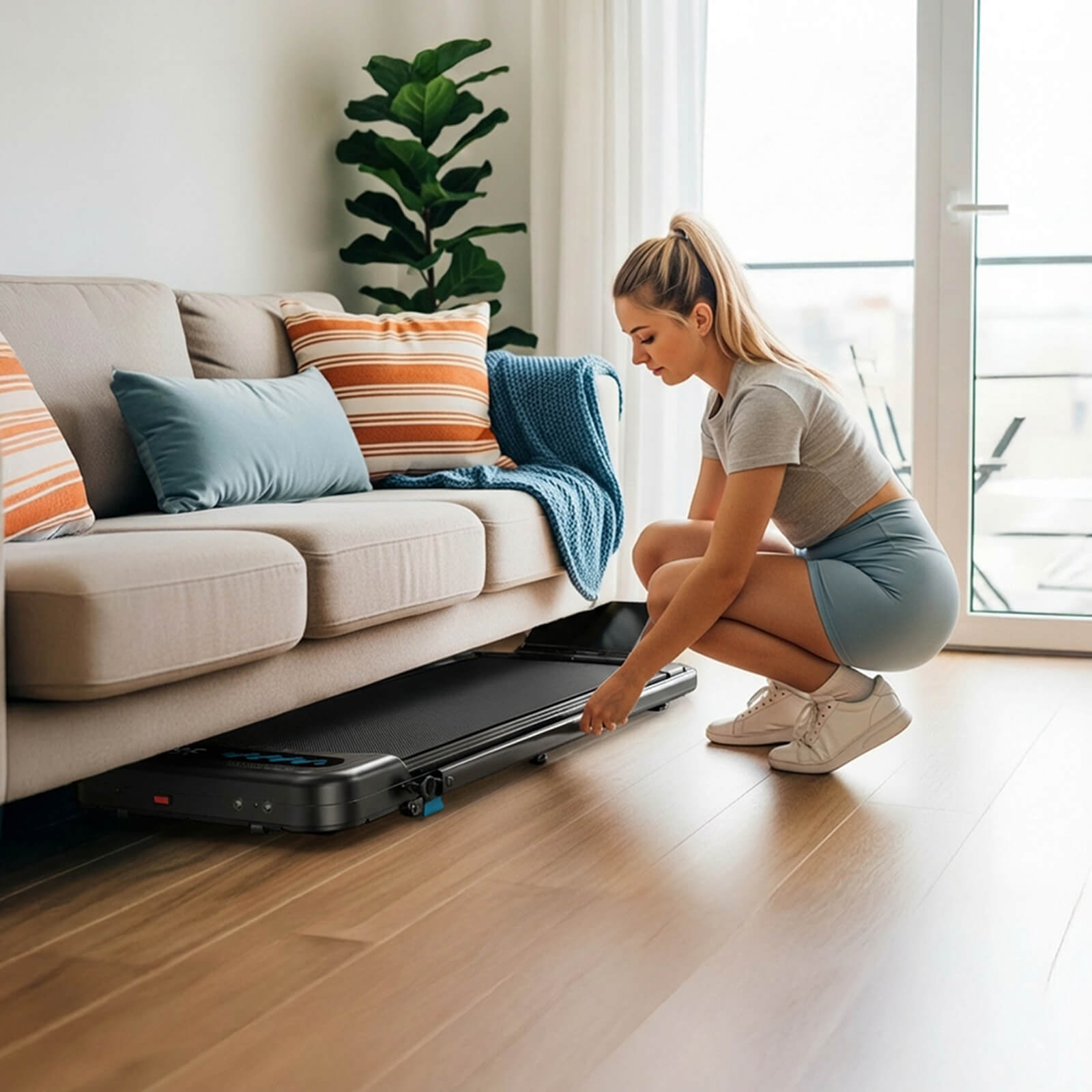
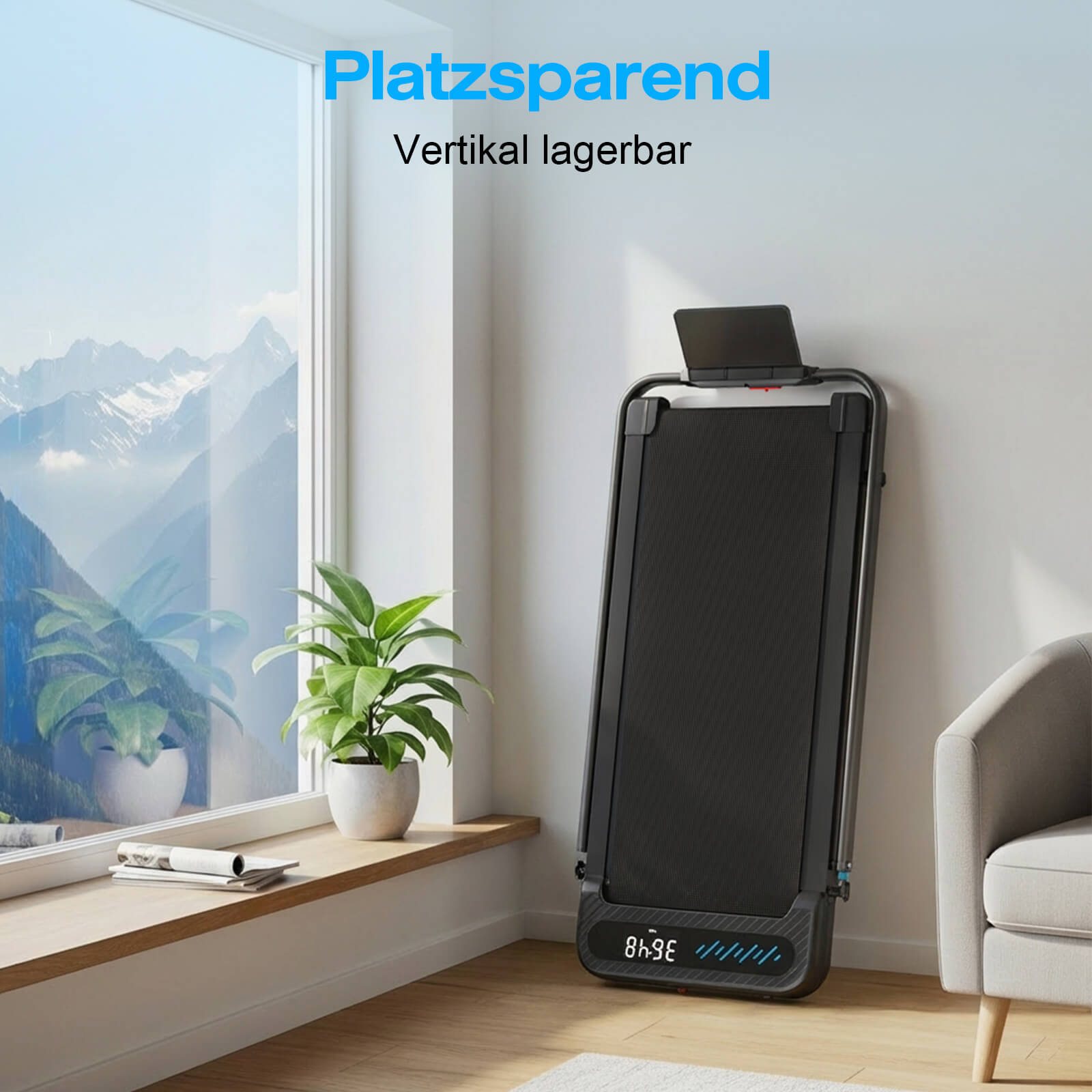
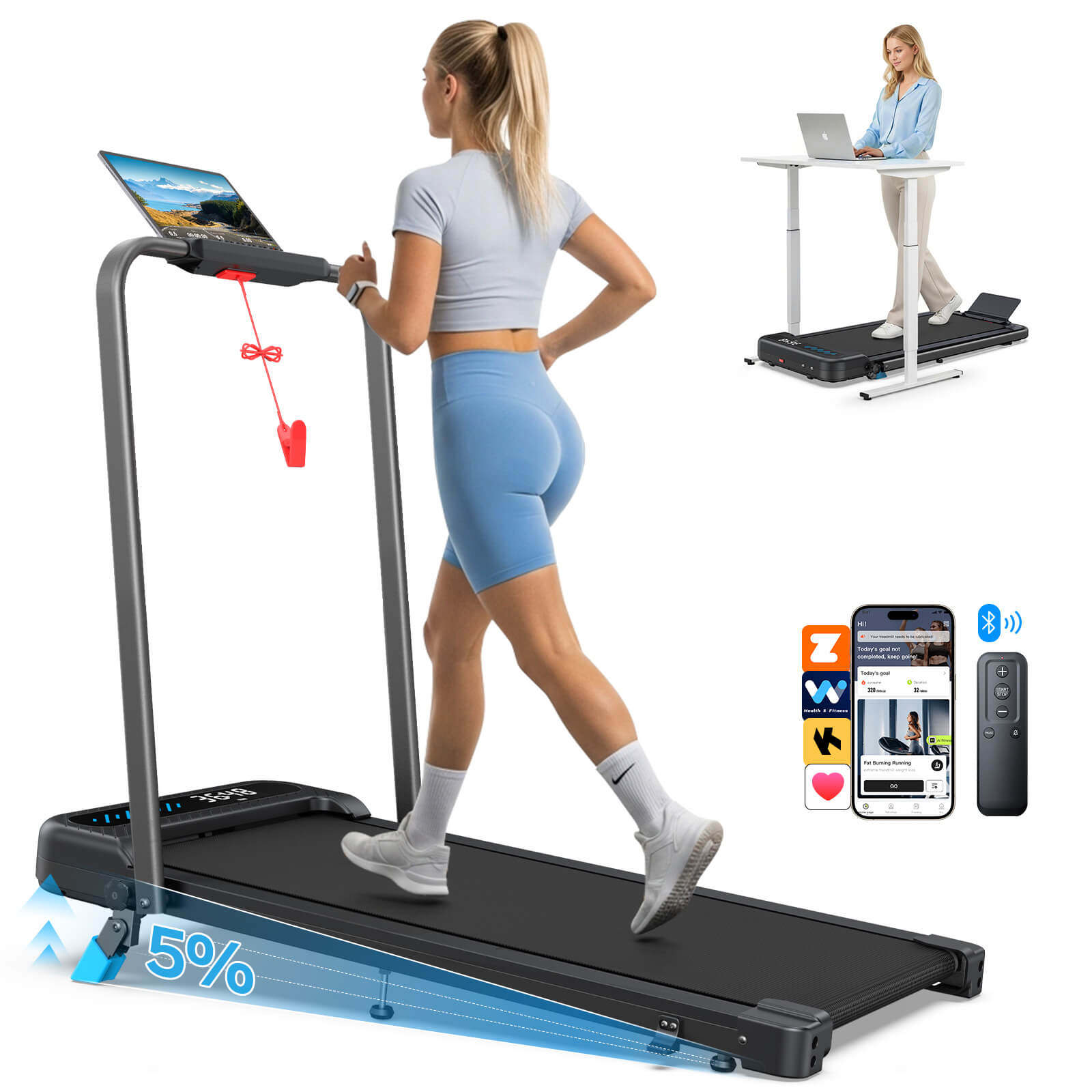
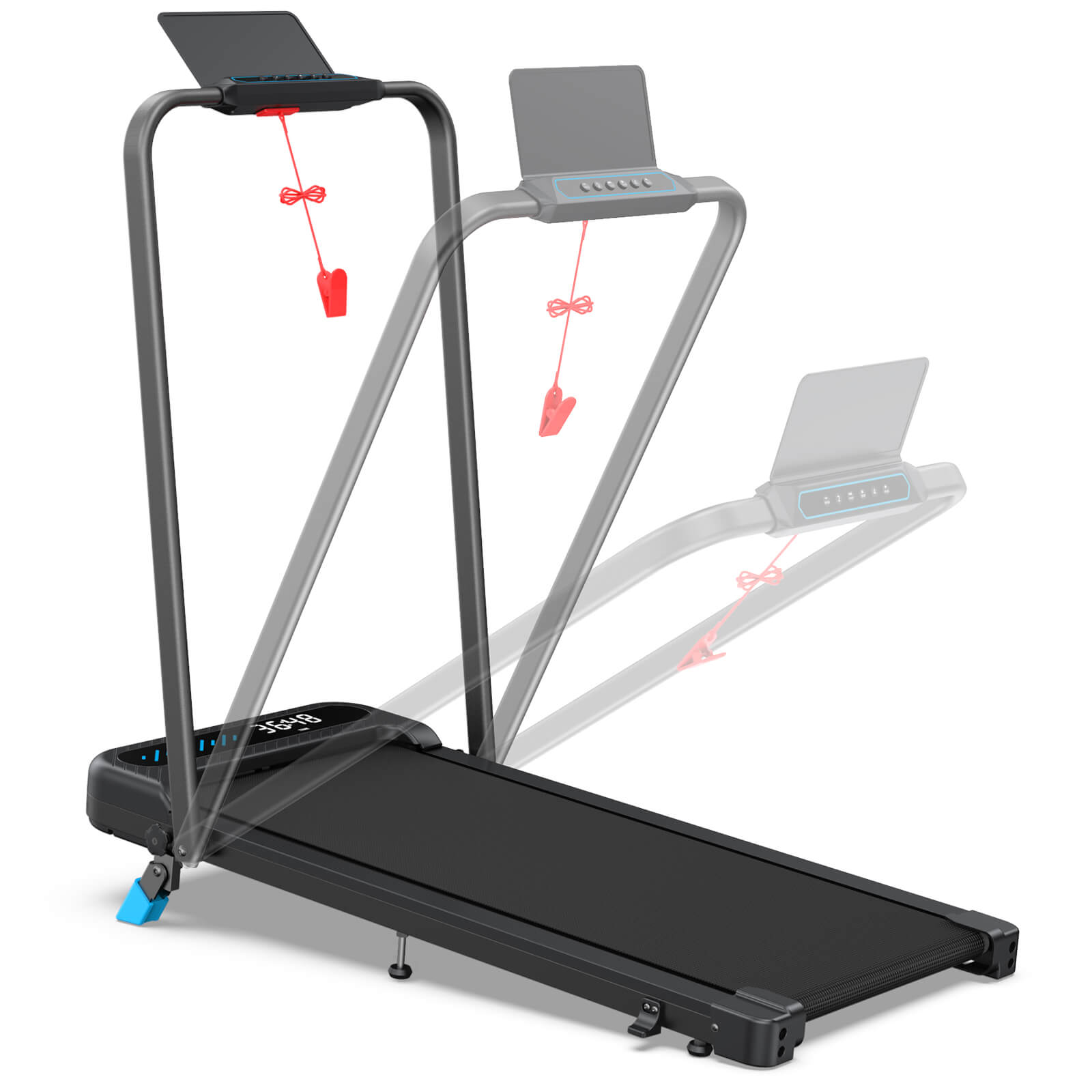
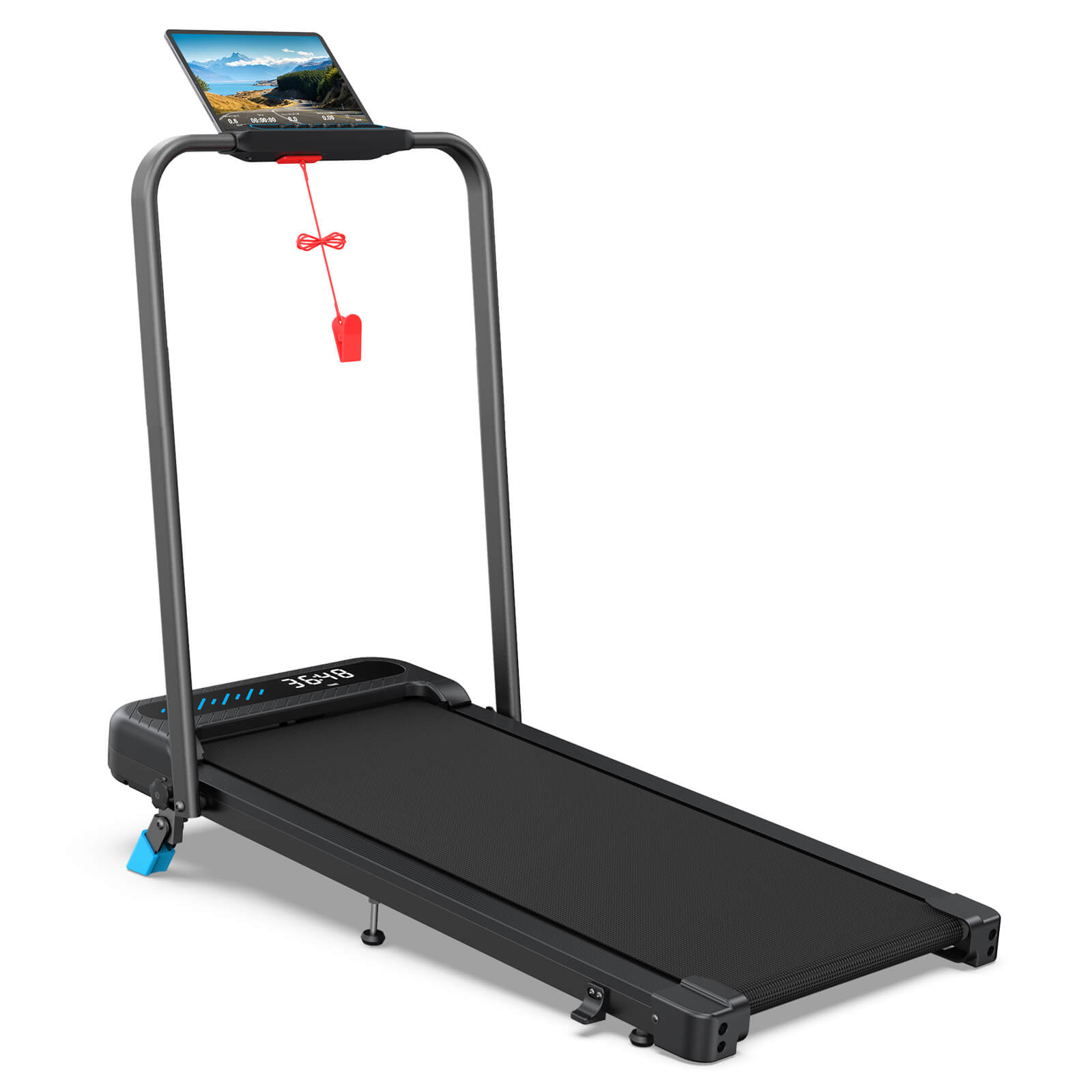
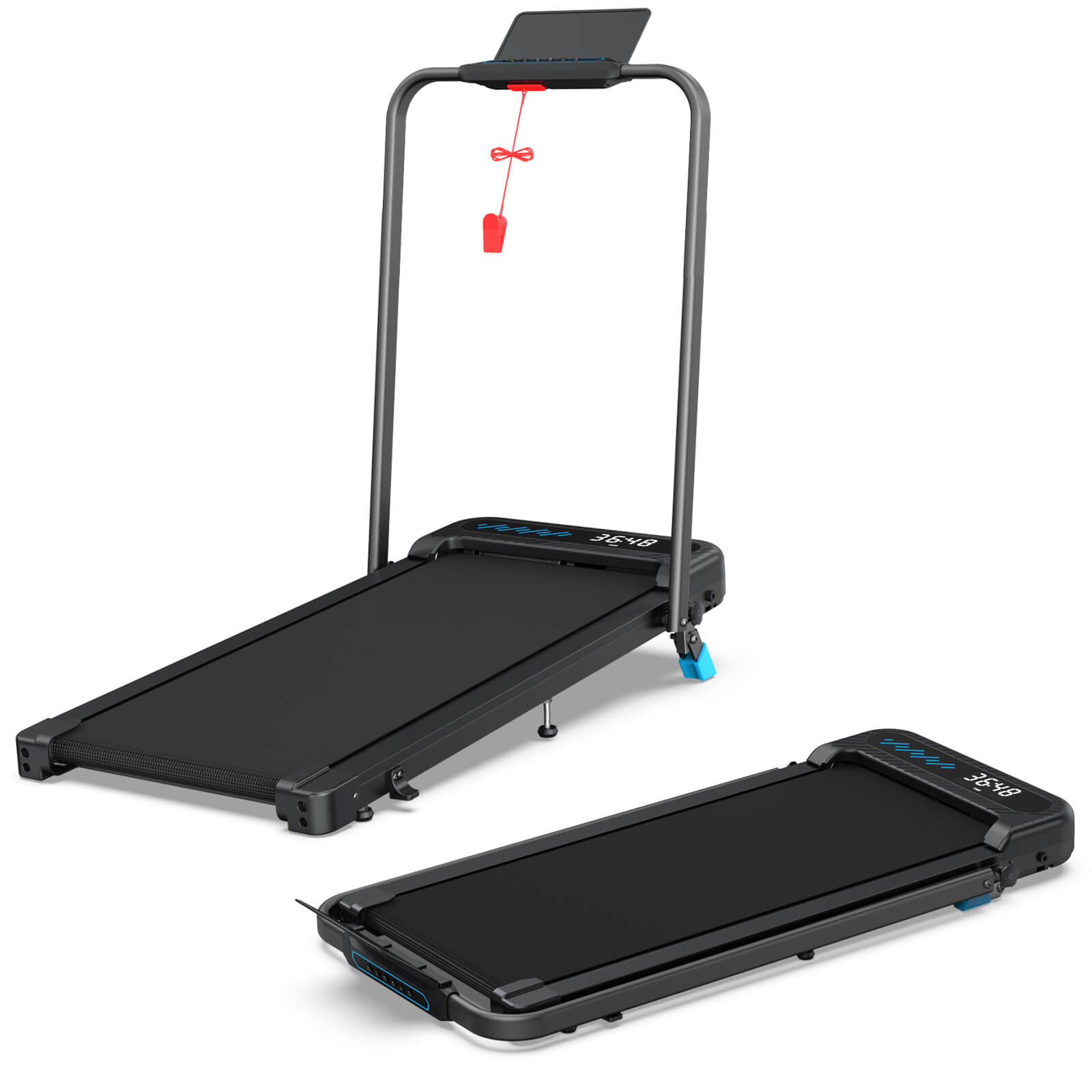
The WELLFIT TM037 is a compact and quiet treadmill trainer with 0-5% incline, stable handrails, and a speed of up to approximately 10 km/h. It features a 3 HP brushless motor, free APP access, 3D VR routes, and AI voice control. Weighing only about 18.9 kg, the treadmill folds down to approximately 125.0 × 54.0 × 15.5 cm and can be stored vertically, saving valuable space.

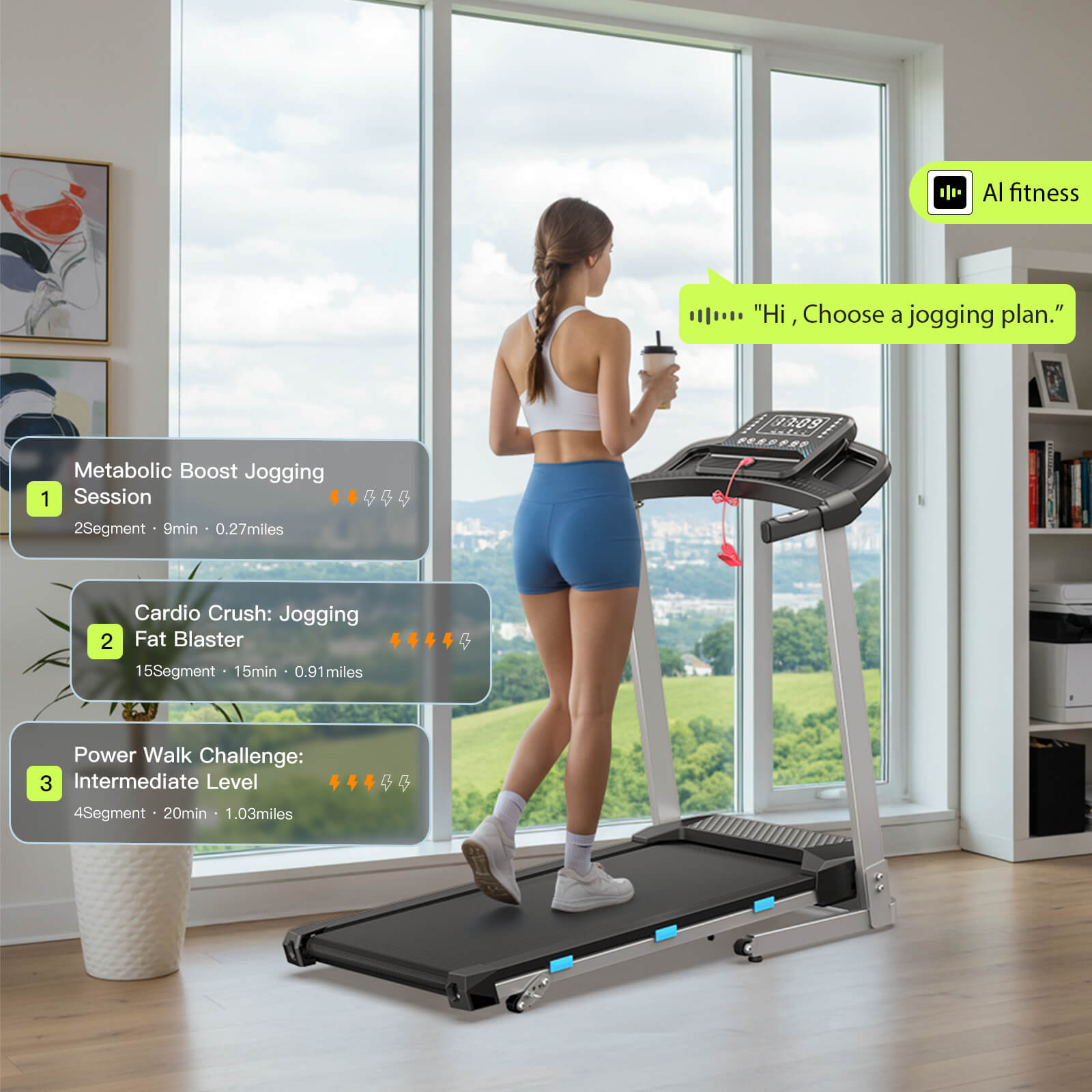
A Movement with Spirit
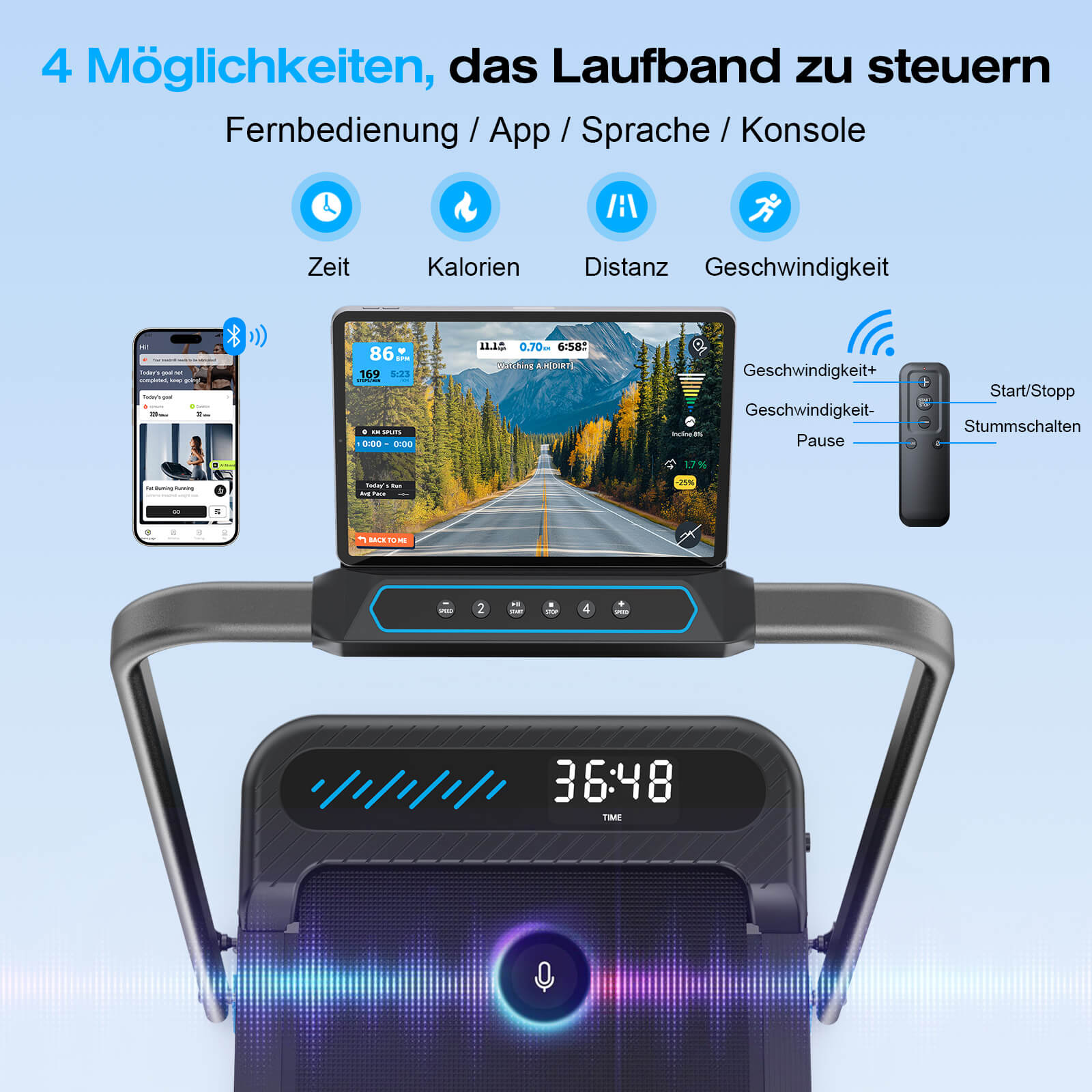
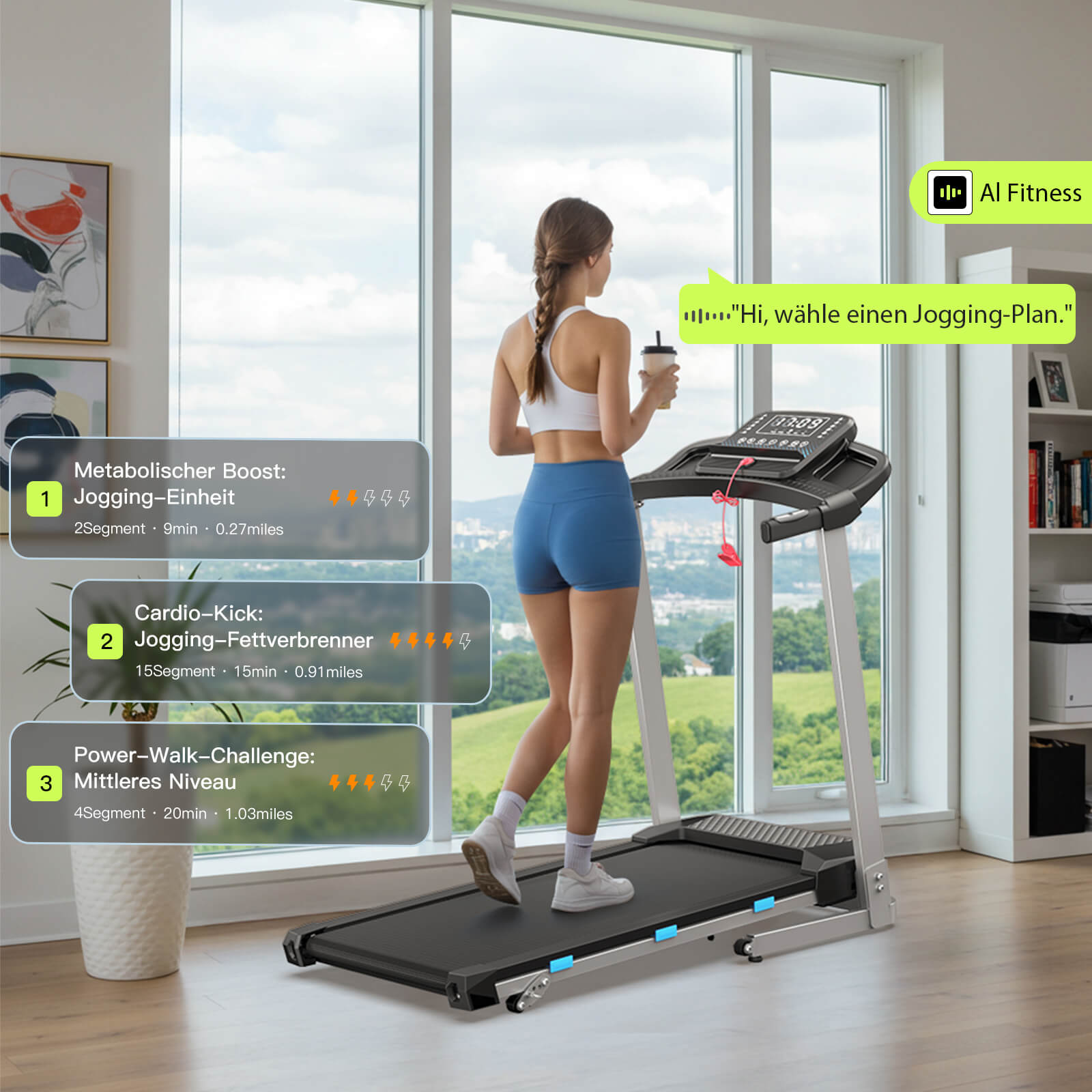
World's first AI-powered walking pad & treadmill ⚡🏃 Your fitness program, your way! Voice control for more intelligence and interactivity. Applicable to all Wellfit models ✔️

Why dynamic?

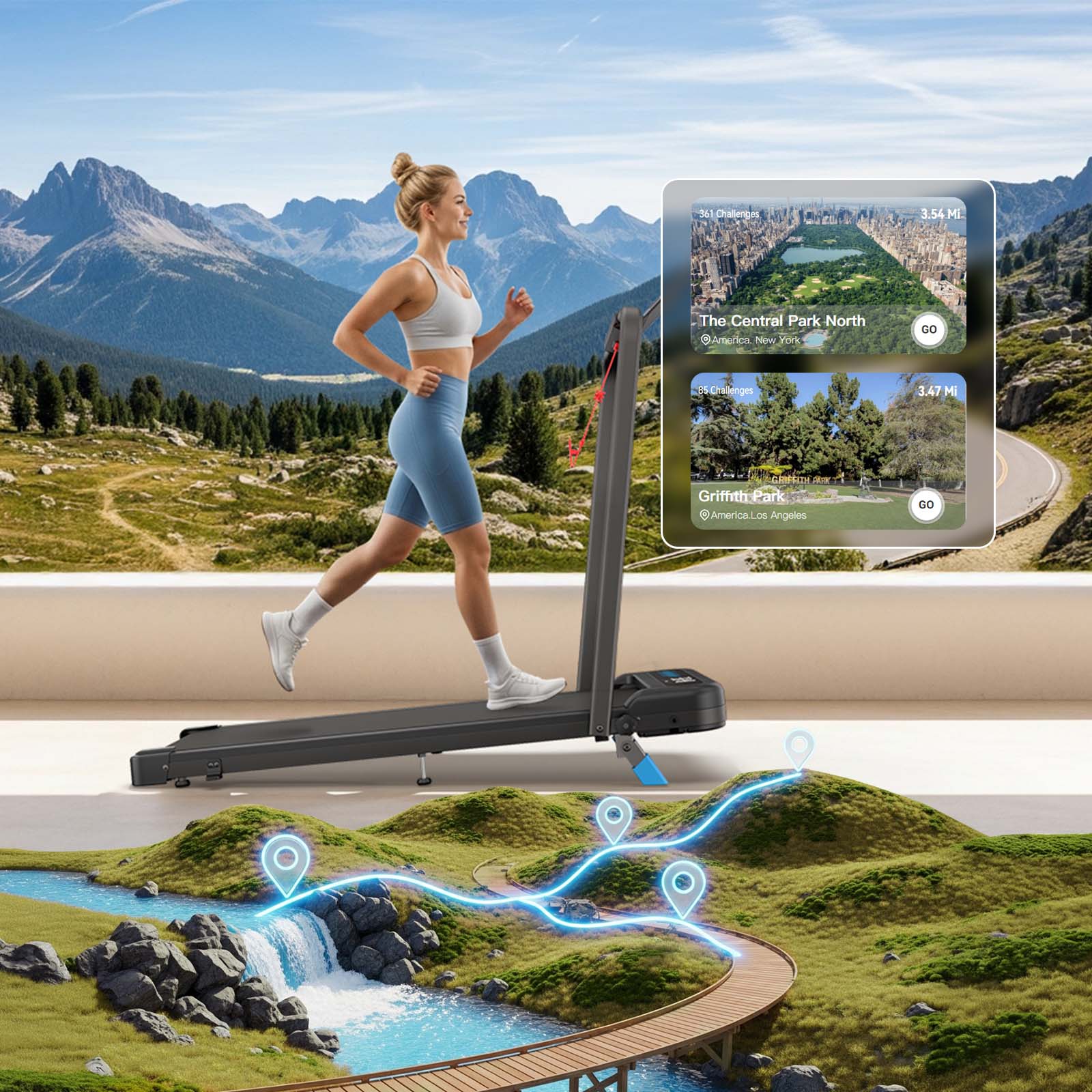
Immersive Experience
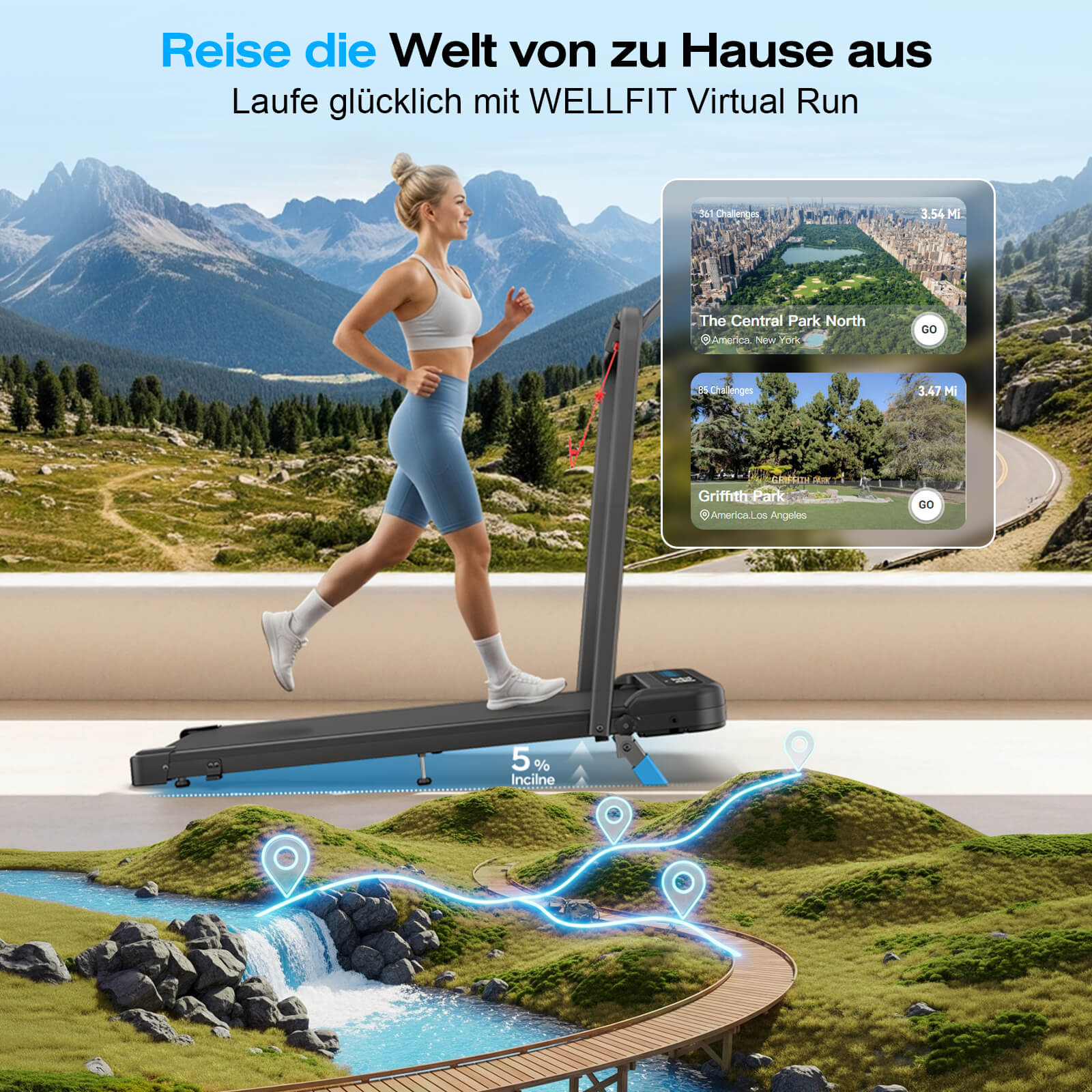
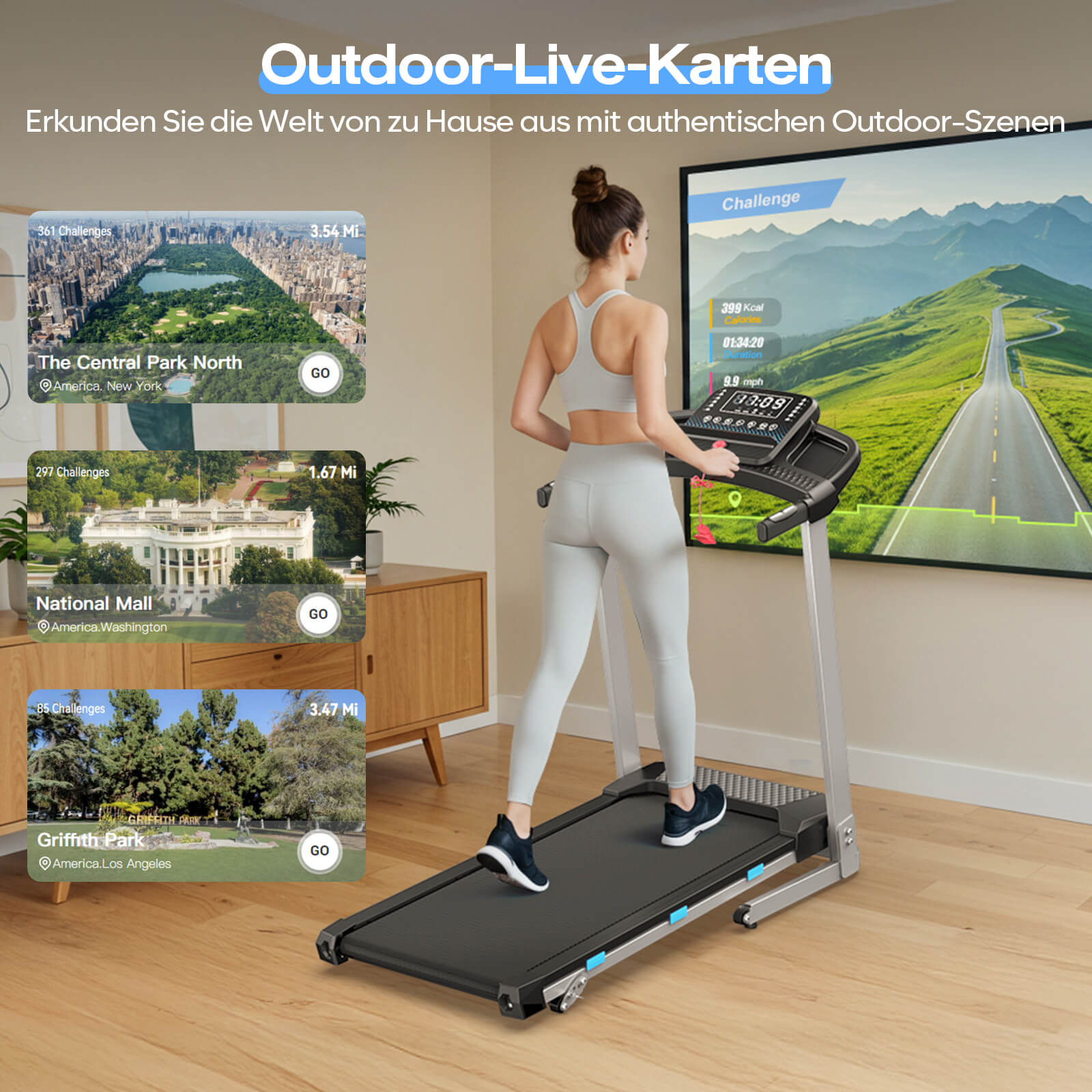
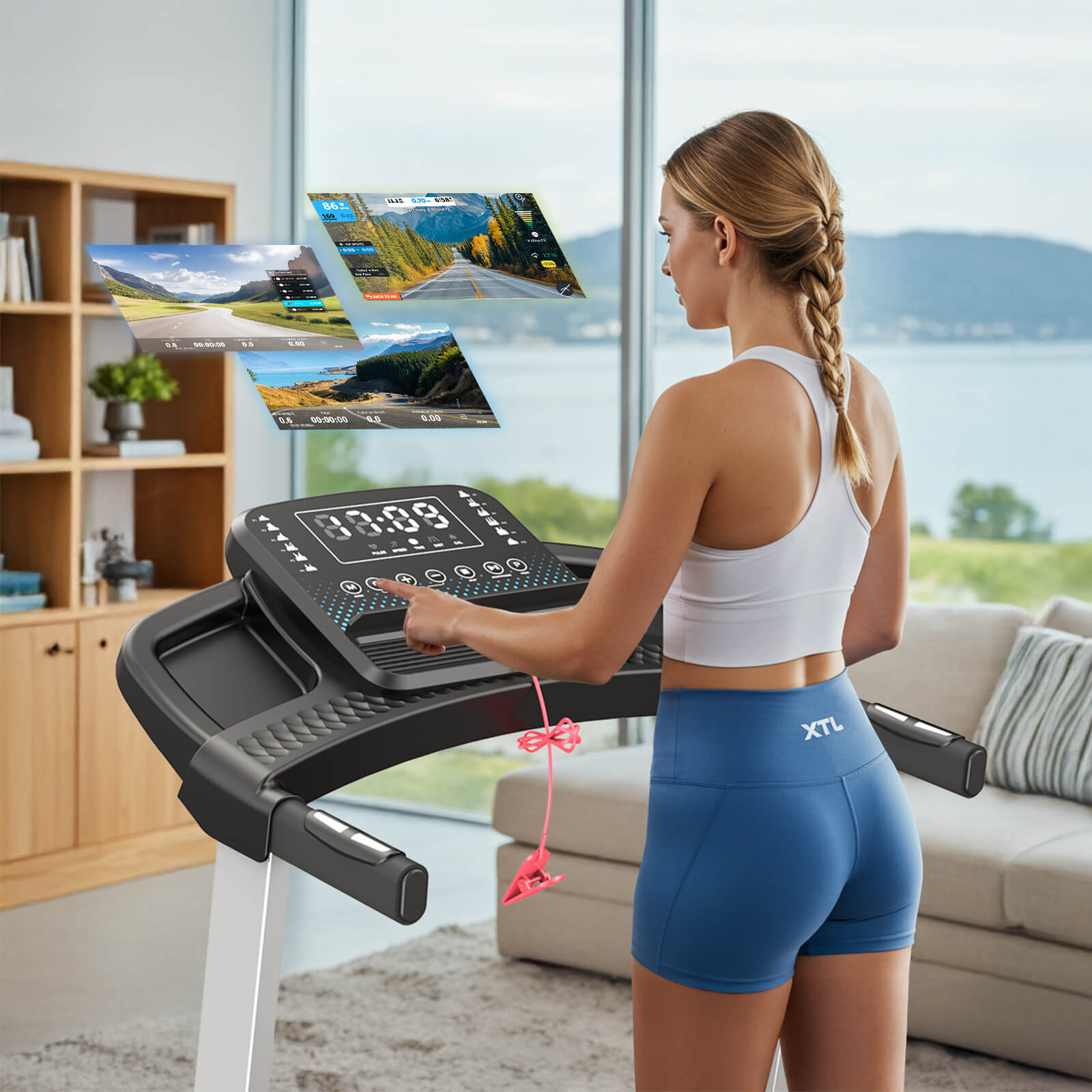
Transform your daily run into an immersive adventure through breathtaking landscapes, bustling cityscapes, and exhilarating challenges – all from the comfort of your home or gym.
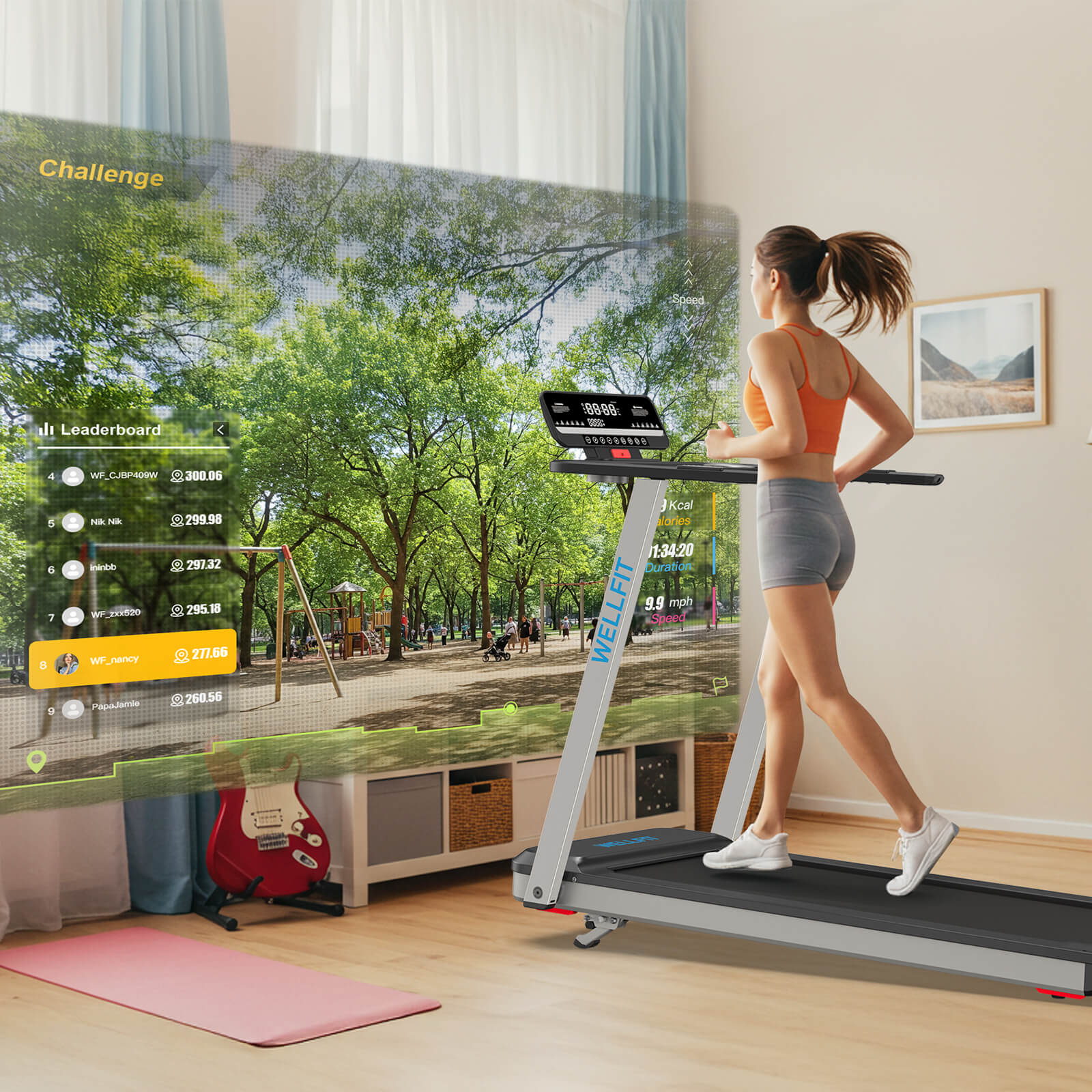
Ignite your passion for training
Take on virtual map challenges from different regions of the world, add fun to your workouts, and help you reach your health goals.
Find the way you need
Scroll left and right to view
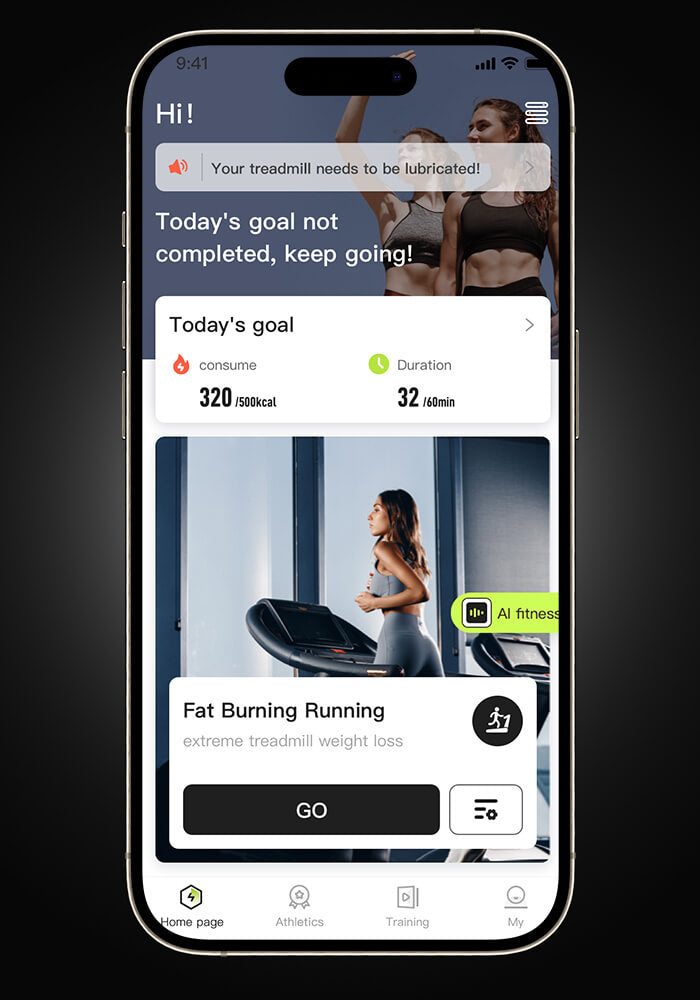
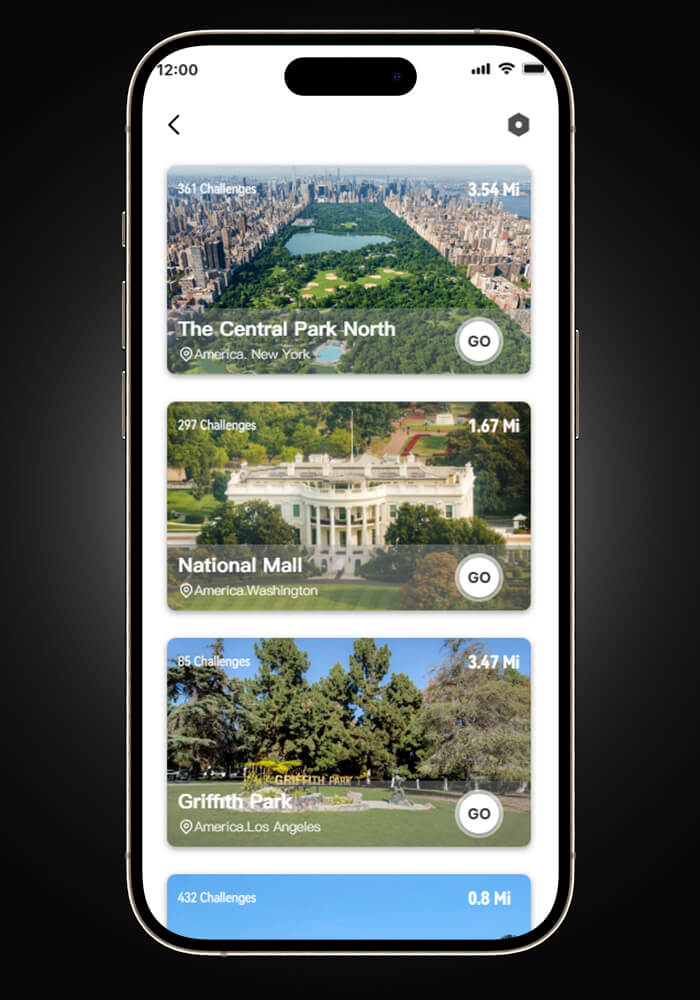
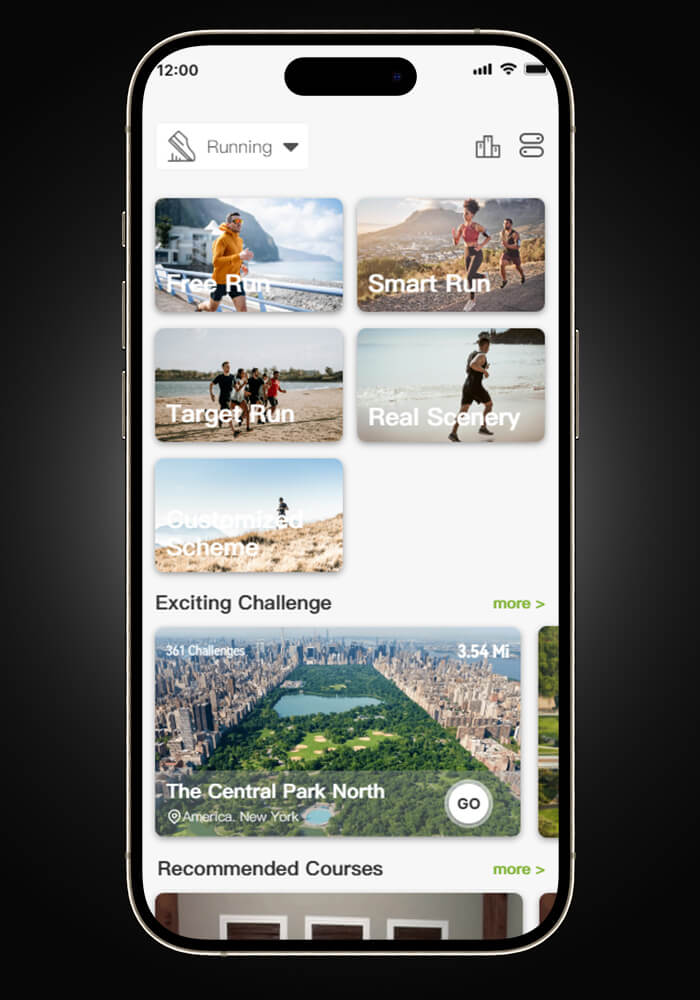
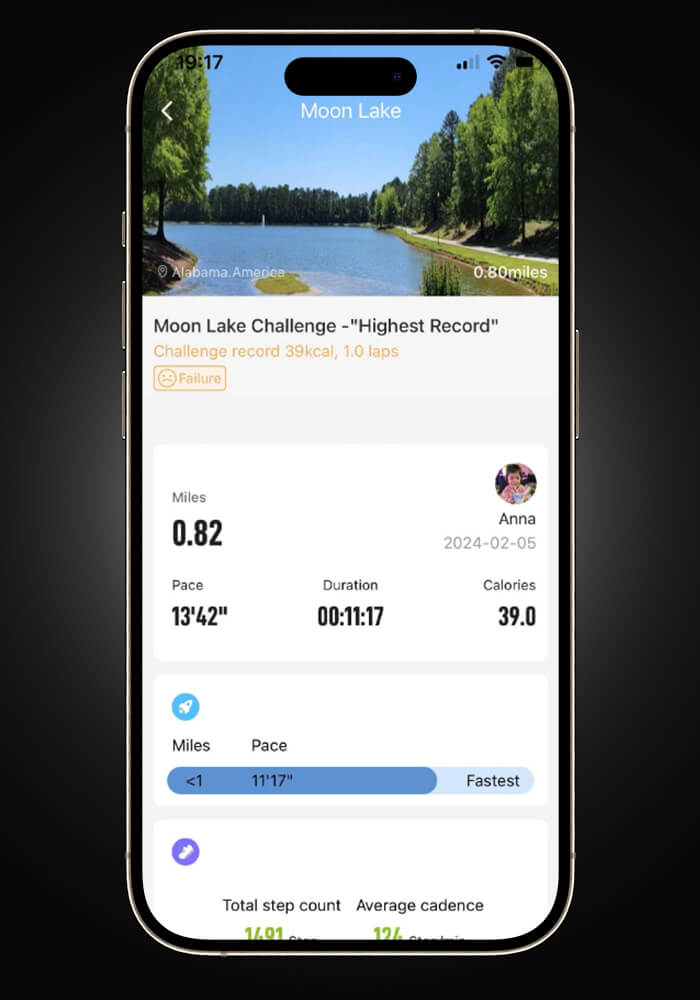
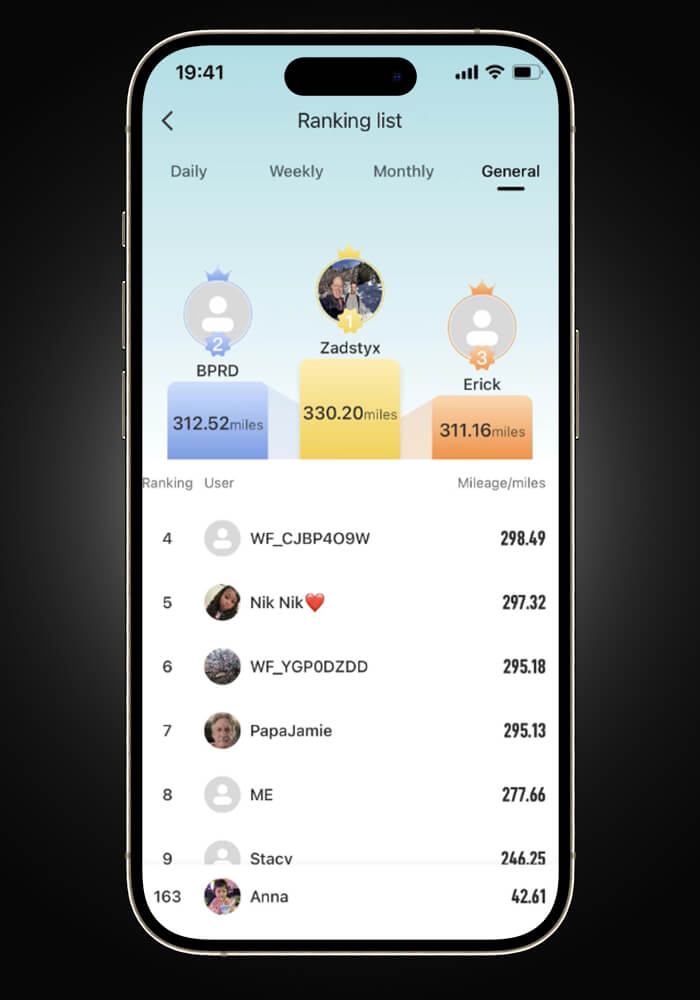
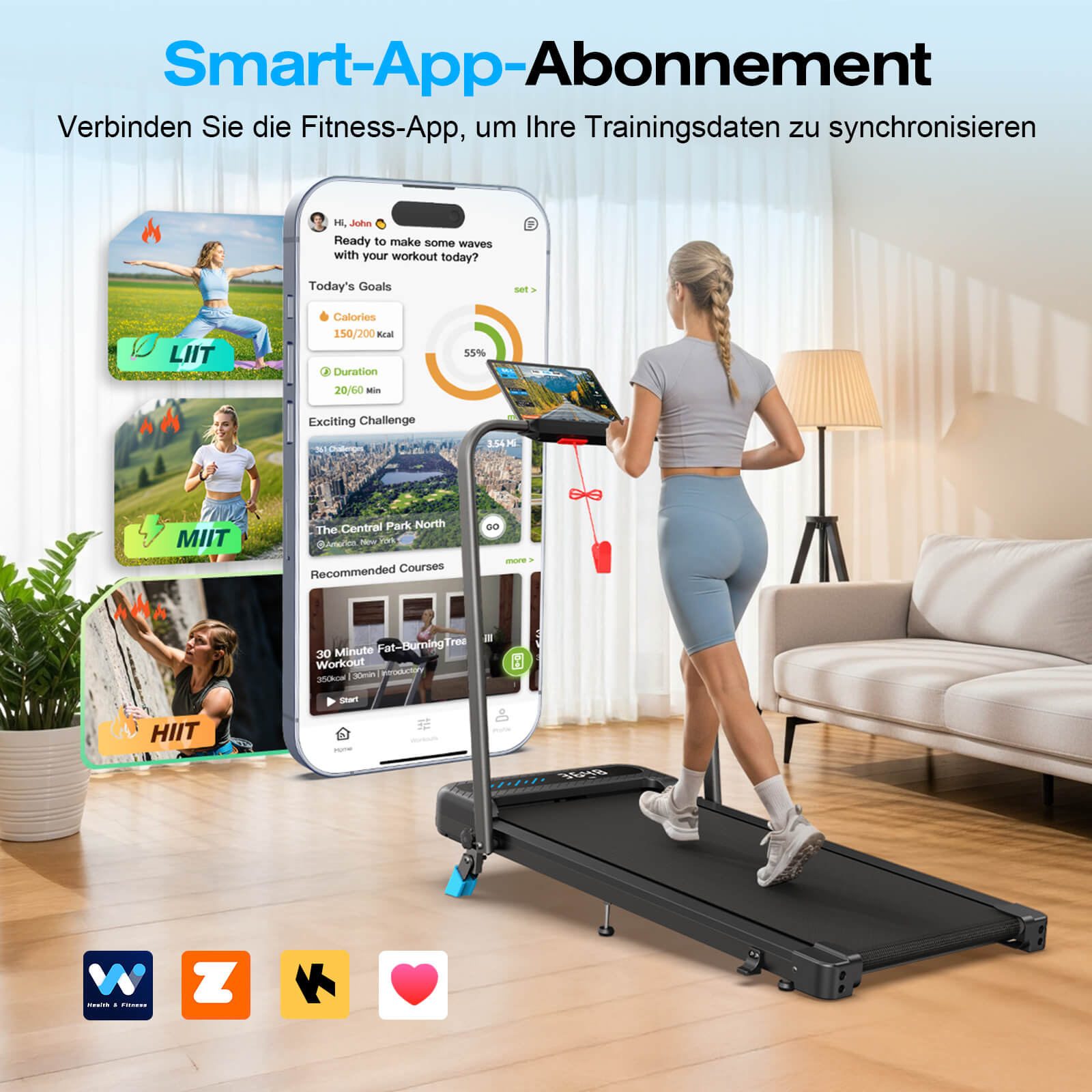
More fun in the app
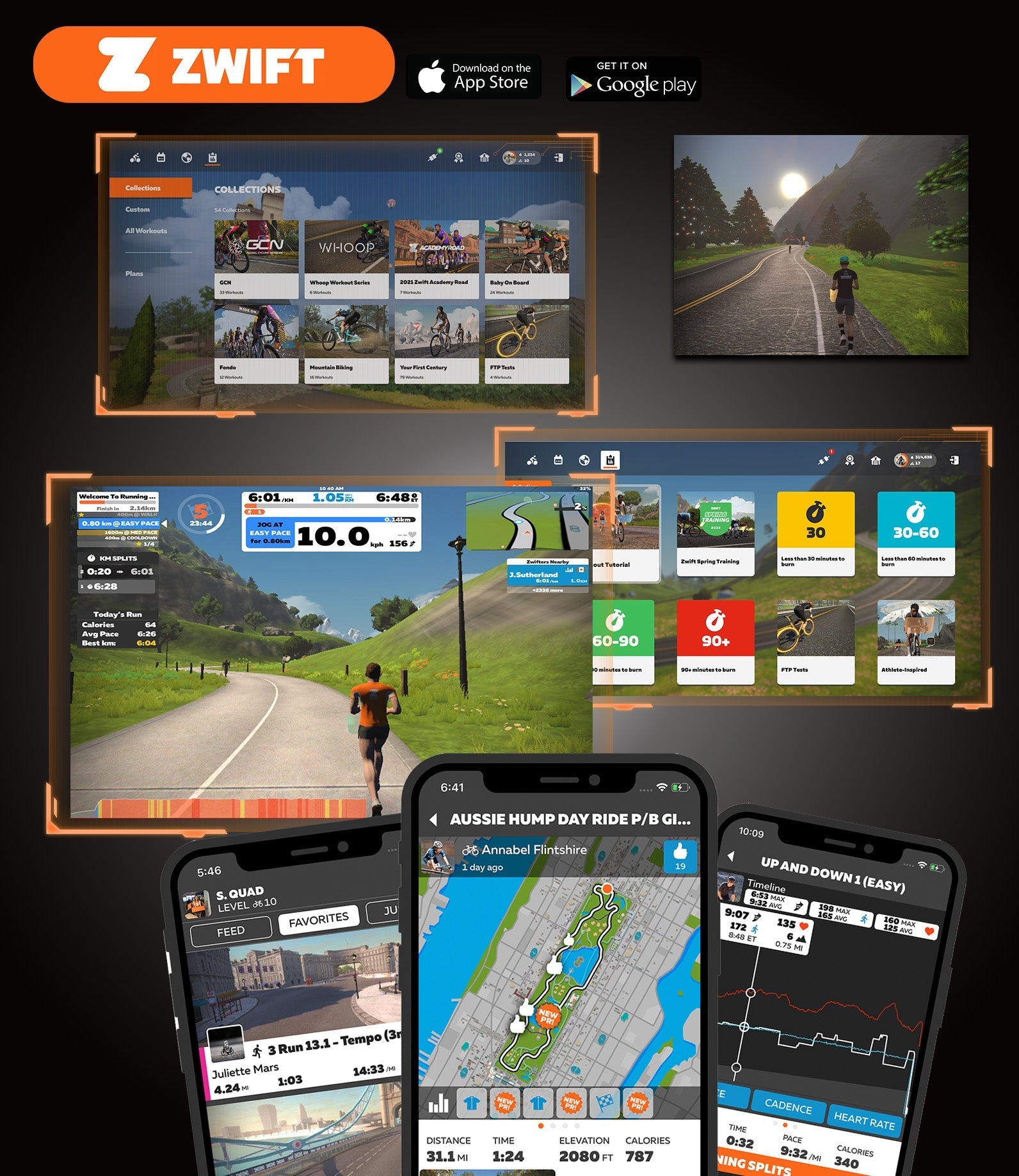
Connect with the ZWIFT APP
Step 1: Turn on your treadmill and start Zwift.
Step 2: In the ZWIFT app, select the run mode.
Step 3: Connect the WELLFIT TM Linker.
Step 4: Select your Zwift workout by clicking the blue workout icon under the Run type.
Step 5: Click "Workout".
Step 6: You are ready to run!
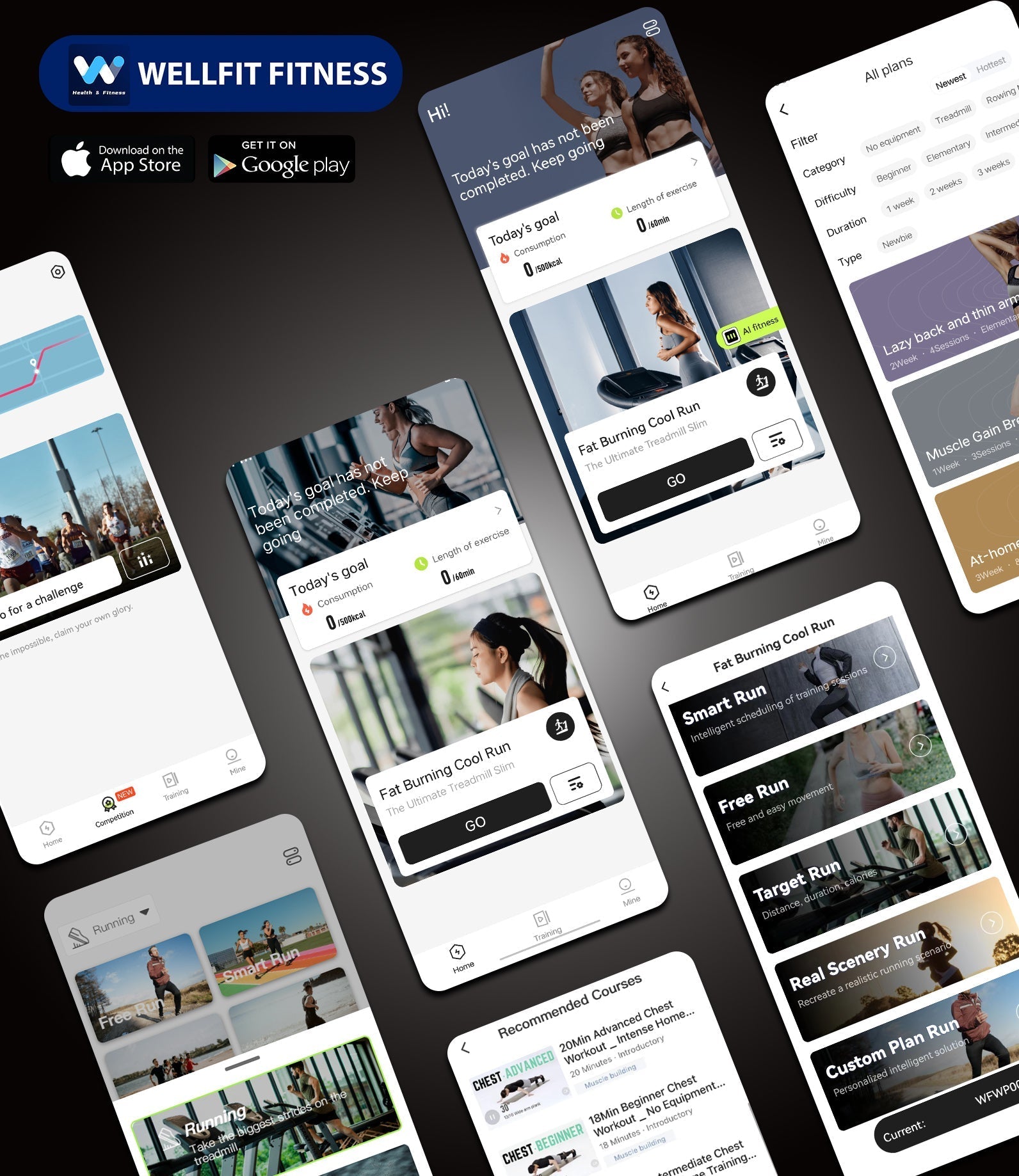
Connect with WELLFIT
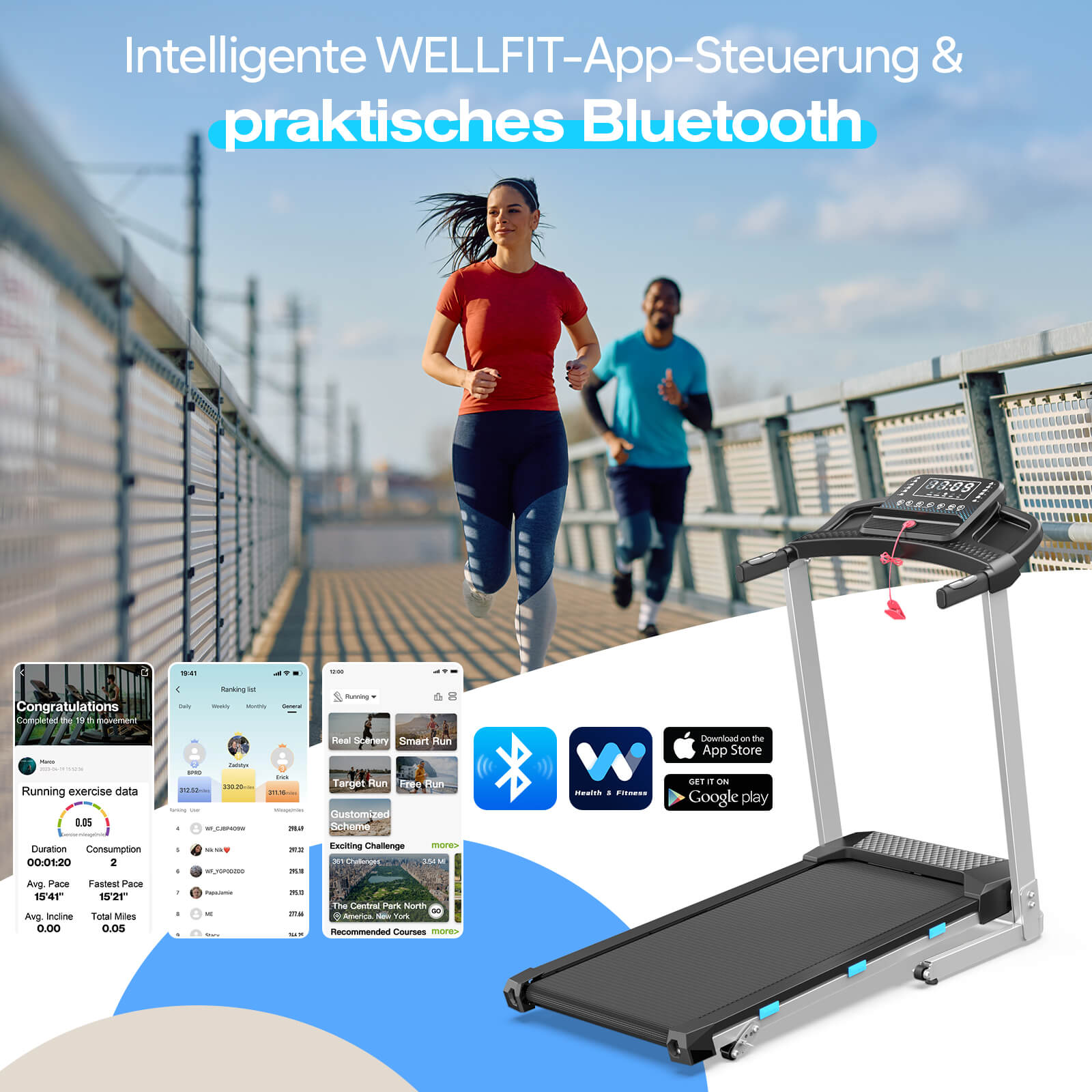
Step 1: Activate Bluetooth and location on your smartphone.
Step 2: Connect to the treadmill.
Step 3: Add device.
Step 4: Select the desired program.
P.S.: No subscription fees
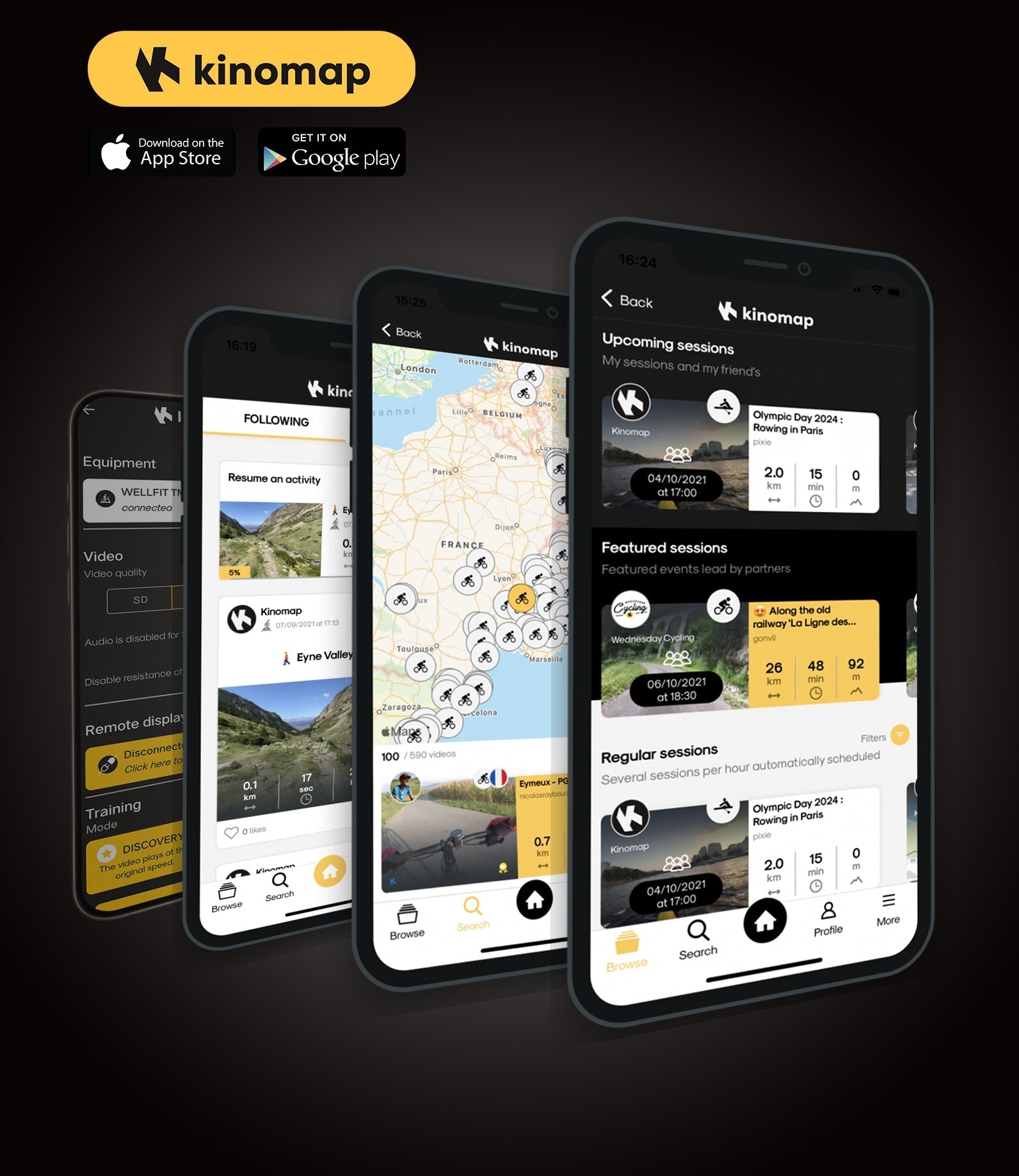
Connect to Kinomap
Step 1: Select the treadmill.
Step 2: Select the brand "FTMS".
Step 3: Interactive – Treadmill Bluetooth Smart 4.0.
Step 4: Find our treadmill – WELLFIT TM Linker. Setup complete, you are ready for your workout.
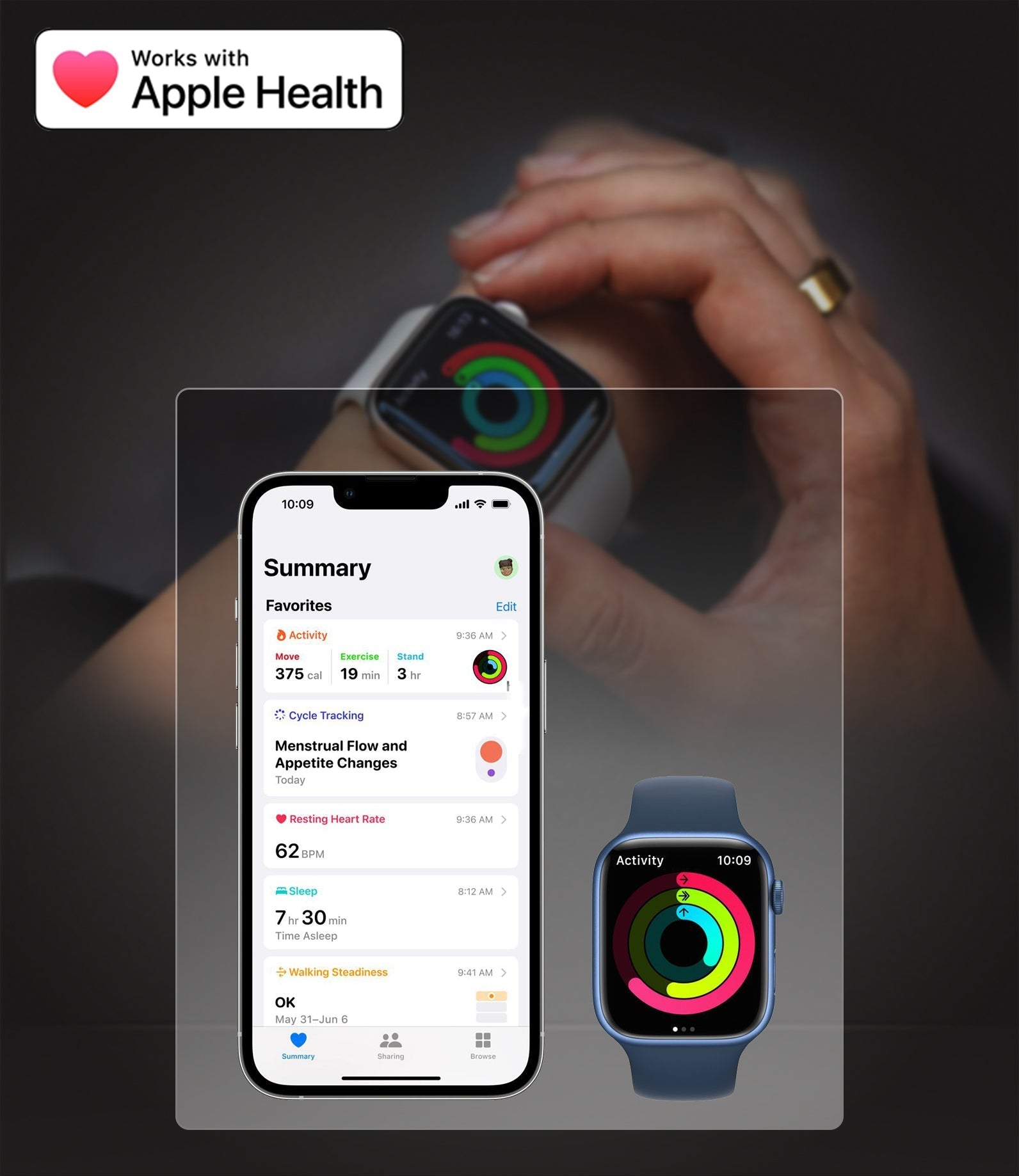
Connect to Apple Health
Step 1: Open the Health app on your iPhone or iPad.
Step 2: Tap your profile picture in the top right corner.
Step 3: Under "Privacy," tap "Apps & Services."
Step 4: Tap the WELLFIT app and enable the health categories.
FAQ
Frequently Asked Questions by WELLFIT App Users
If you have any questions, please contact us at:
Email: service.de@wellfittreadmill.com
Phone: +001 (281) 777-8190
Our customer support is available Monday through Friday: 11:00 AM - 8:00 PM ET (Mon-Fri).Average response time: 24 hrs.
Is the WELLFIT-APP free? Or do I have to pay for a subscription?
Yes, the WELLFIT App is completely free to use – no paid subscription required.
Simply download it from the App Store or Google Play, create an account, and you're ready to go.
Do I have to download the app to use the treadmill?
No, you do not need to download the WELLFIT App to use the treadmill.
You can also use the treadmill independently or additionally use the app to enhance your training experience.
Can I connect the treadmill to Apple Health?
Yes, you can connect our treadmill to Apple Health.
Welche Fitness-Apps sind mit diesem Laufband kompatibel?
Das Laufband synchronisiert sich mit WELLFIT Fitness und Apple Health und unterstützt Kinomap sowie Zwift für interaktives Training. Es ist außerdem kompatibel mit FitShow, WHOOP und anderen Apps, die das FTMS (Fitness Machine Service) Protokoll unterstützen, wodurch eine breitere Konnektivität mit Ihren bevorzugten Fitnessplattformen gewährleistet wird.
Wie benutzt man den Bluetooth-Lautsprecher des Laufbands?
*Vorausgesetzt, das Modell verfügt über integrierte Lautsprecher.
Schalten Sie das Laufband ein und warten Sie, bis es sich im Standby-Modus befindet. Halten Sie die „−“-Taste für 3 Sekunden gedrückt, bis Sie einen Signalton hören.
Suchen und verbinden Sie:
WELLFIT TM Audio (für Lautsprecher)
WELLFIT TM Linker (für die App)
“Connected“ erscheint, sobald die Kopplung erfolgreich ist.
Hat die APP einen Schrittzähler?
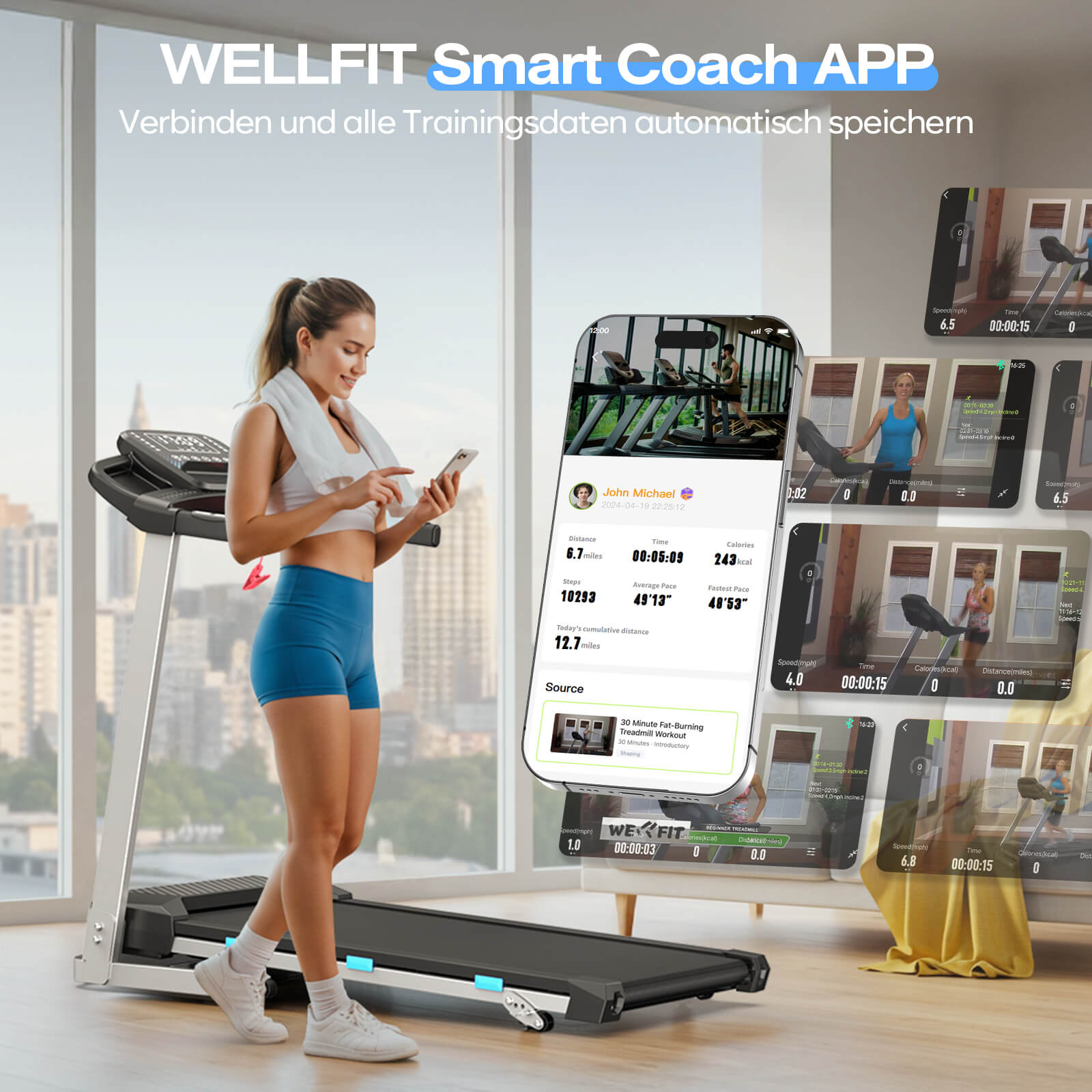
Ja, es zeichnet Ihre Schritte während Ihres Workouts auf und Sie können auch sehen, wie viele Meilen Sie gelaufen/gewandert sind.
Wie steuert man das Laufband mit der App?
Wenn Sie die App öffnen, sehen Sie unten drei Optionen: Home, Workout und Profil. Tippen Sie auf die zweite Option „Workout“, um zu einem neuen Bildschirm zu gelangen.
In der unteren rechten Ecke befindet sich ein grünes Fernbedienungs-Symbol – tippen Sie darauf, um die Oberfläche zu öffnen, über die Sie das Laufband direkt in der App steuern können.
Gibt es eine Möglichkeit, die Wellfit-App mit Fire TV zu verbinden, damit ich Landschaften sehen kann?
Für iOS-Geräte: Nutzer können die AirPlay-Funktion verwenden, um den Bildschirm ihres iPhones oder iPads auf einen Fernseher mit AirPlay-Unterstützung oder auf ein Apple TV zu spiegeln.
Für Android-Geräte: Nutzer können Funktionen wie „Cast“, „Wireless Display“ oder „Smart View“ verwenden, um den Bildschirm ihres Smartphones auf einen Fernseher zu übertragen, der Miracast oder Chromecast unterstützt.
Wie wähle ich Spaziergänge über die WELLFIT-App aus? Ich sehe die Laufoption, aber gibt es eine Möglichkeit, in meinem eigenen Tempo zu gehen?
Beginnen Sie einfach einen freien Lauf — er ermöglicht es Ihnen, in beliebigem Tempo zu gehen oder zu laufen, während Sie landschaftlich reizvolle Strecken oder Ihre Lieblingsfernsehshows genießen.
Es ist mir nicht gelungen, die WELLFIT APP zu registrieren, ich kann den Bestätigungscode auf meinem Telefon nicht erhalten.
Bitte kontaktieren Sie das WELLFIT-Support-Team und wir werden dieses Problem lösen.
Our customer support is available Monday through Friday: 11:00 AM - 8:00 PM ET (Mon-Fri).Average response time: 24 hrs.


Watch-App-Tutorial-Video
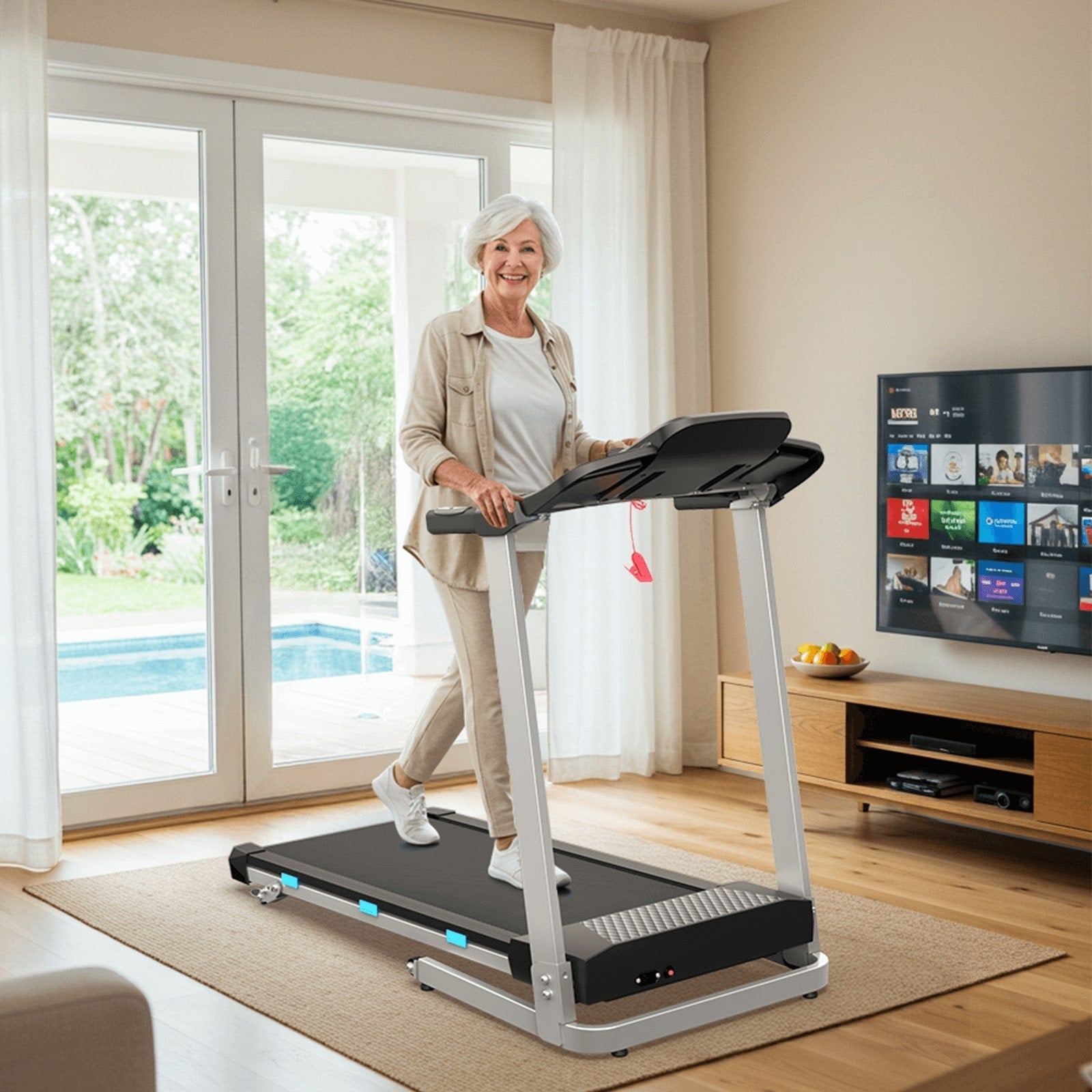
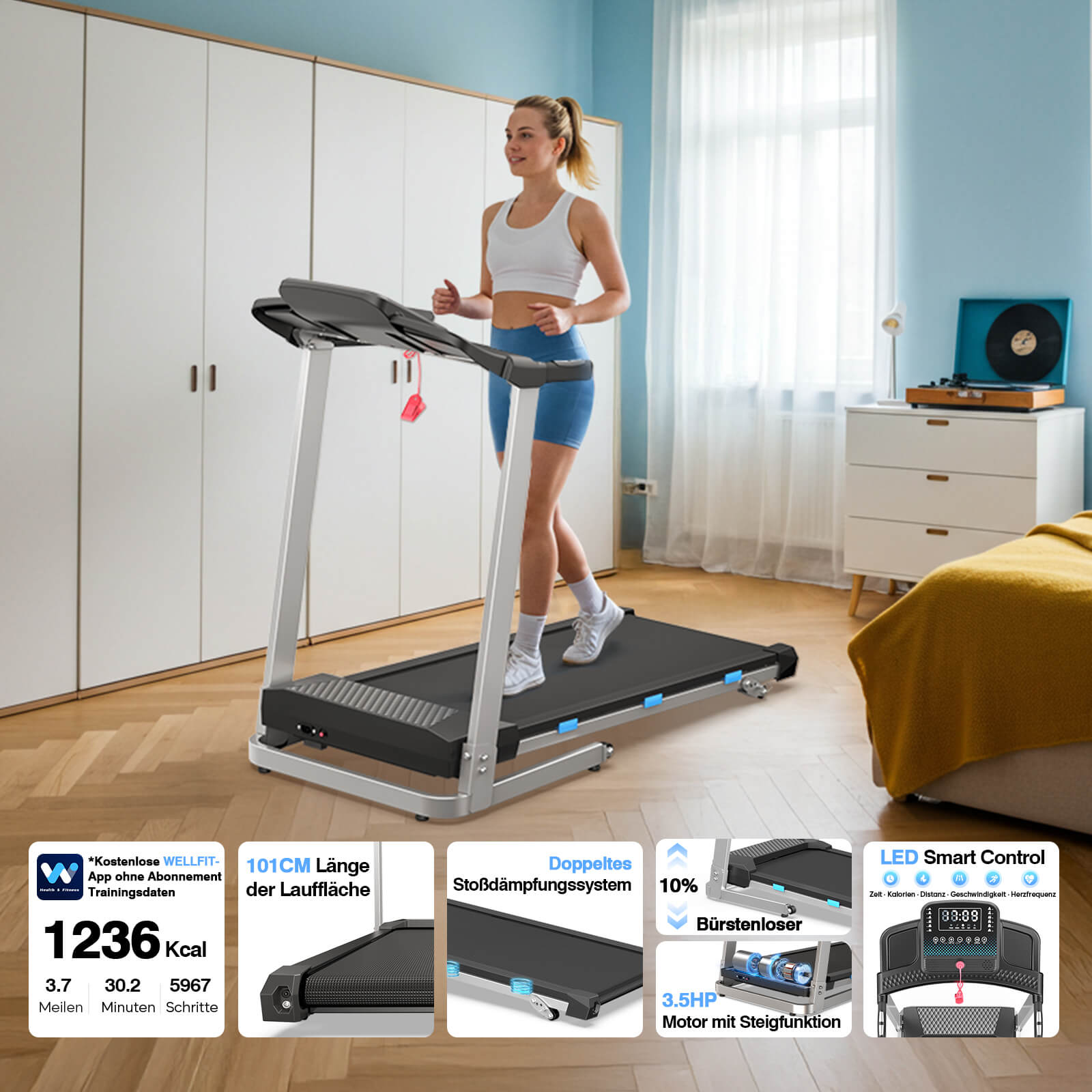
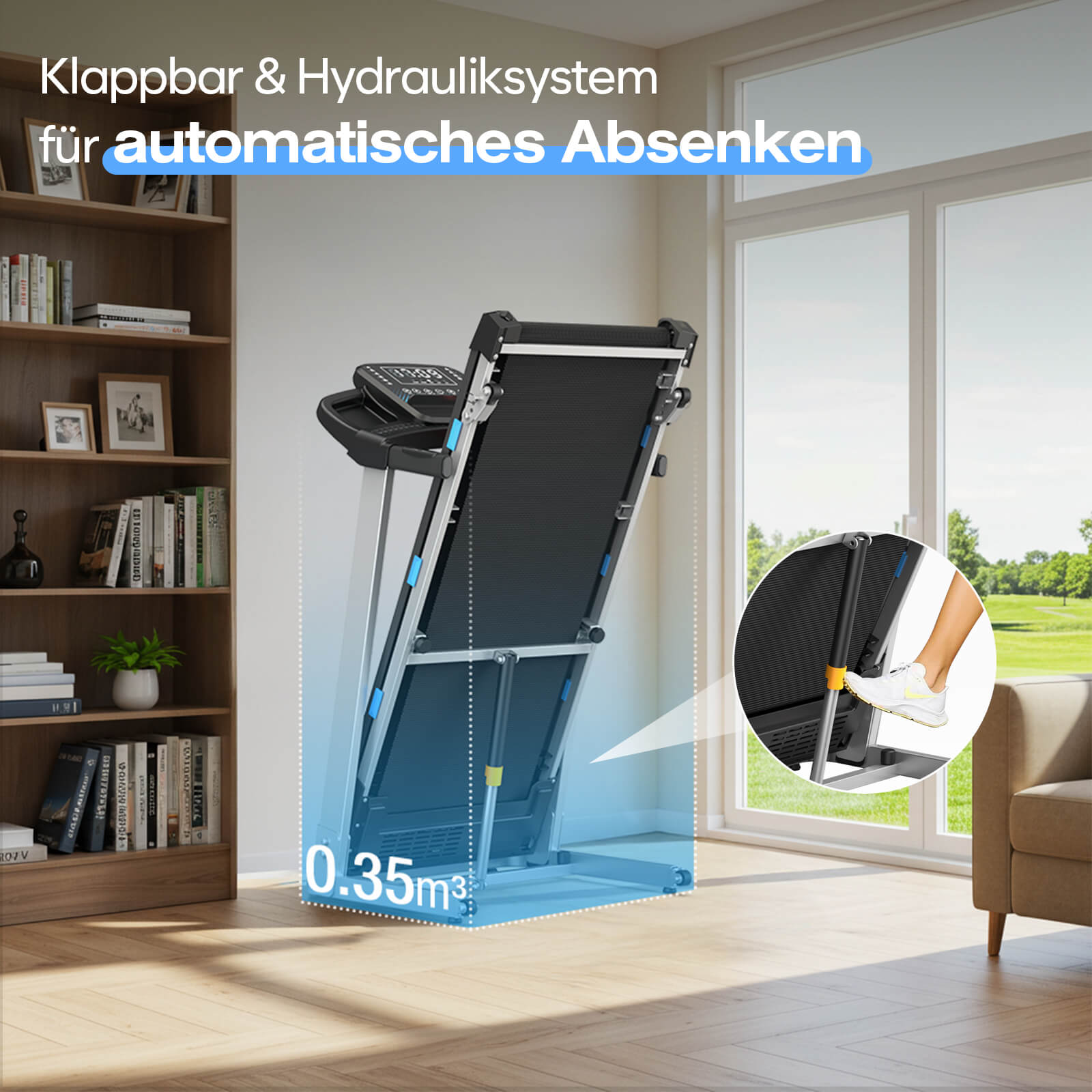
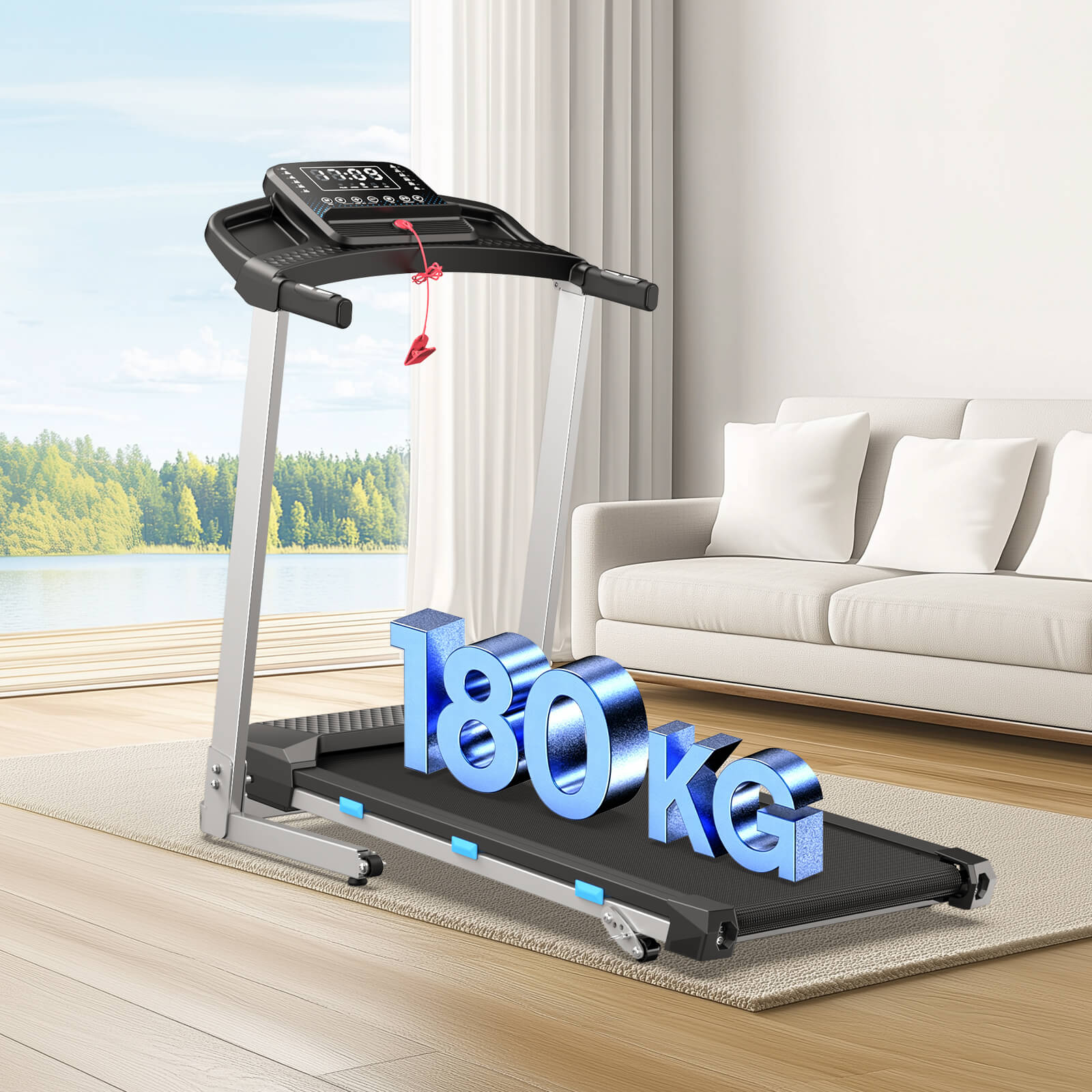
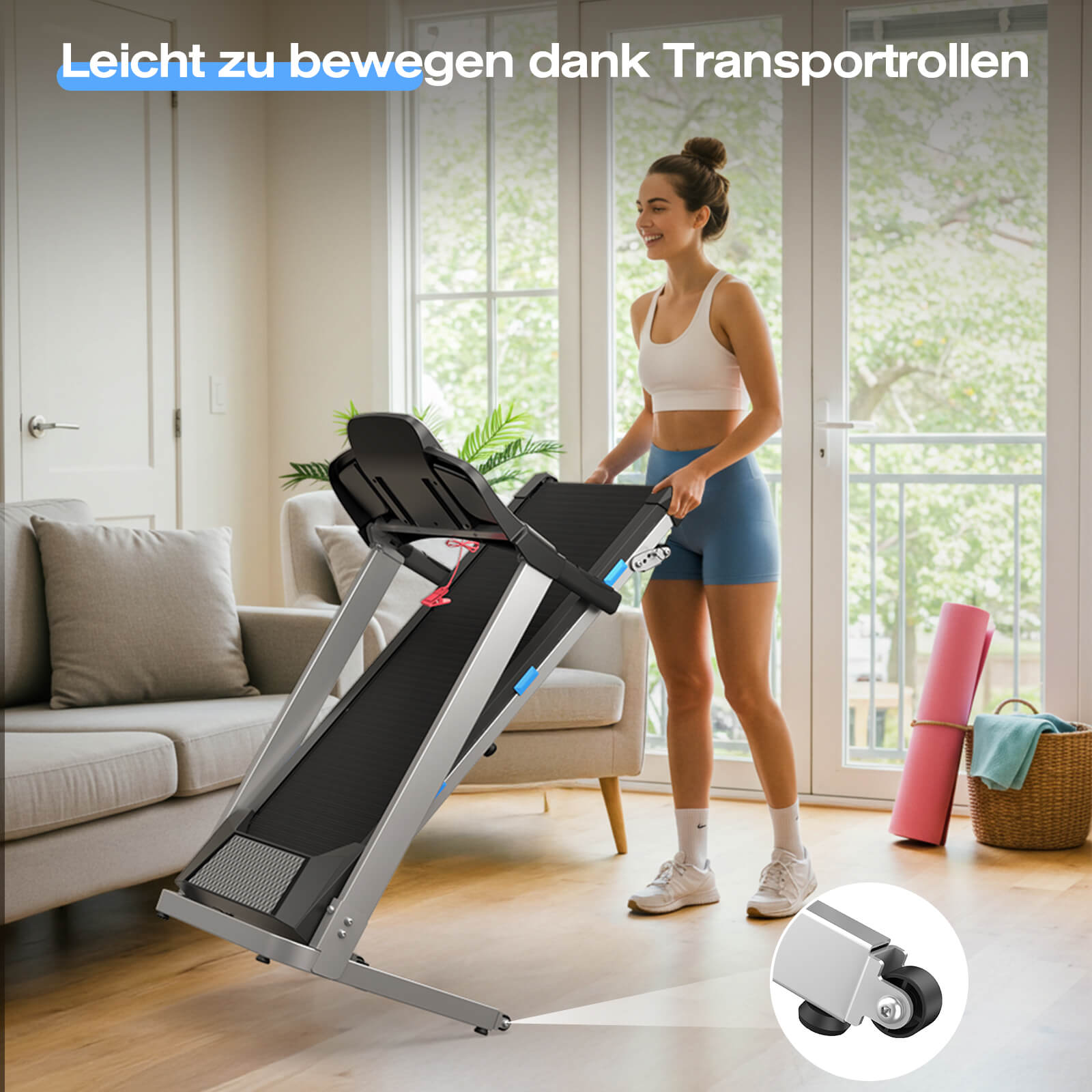
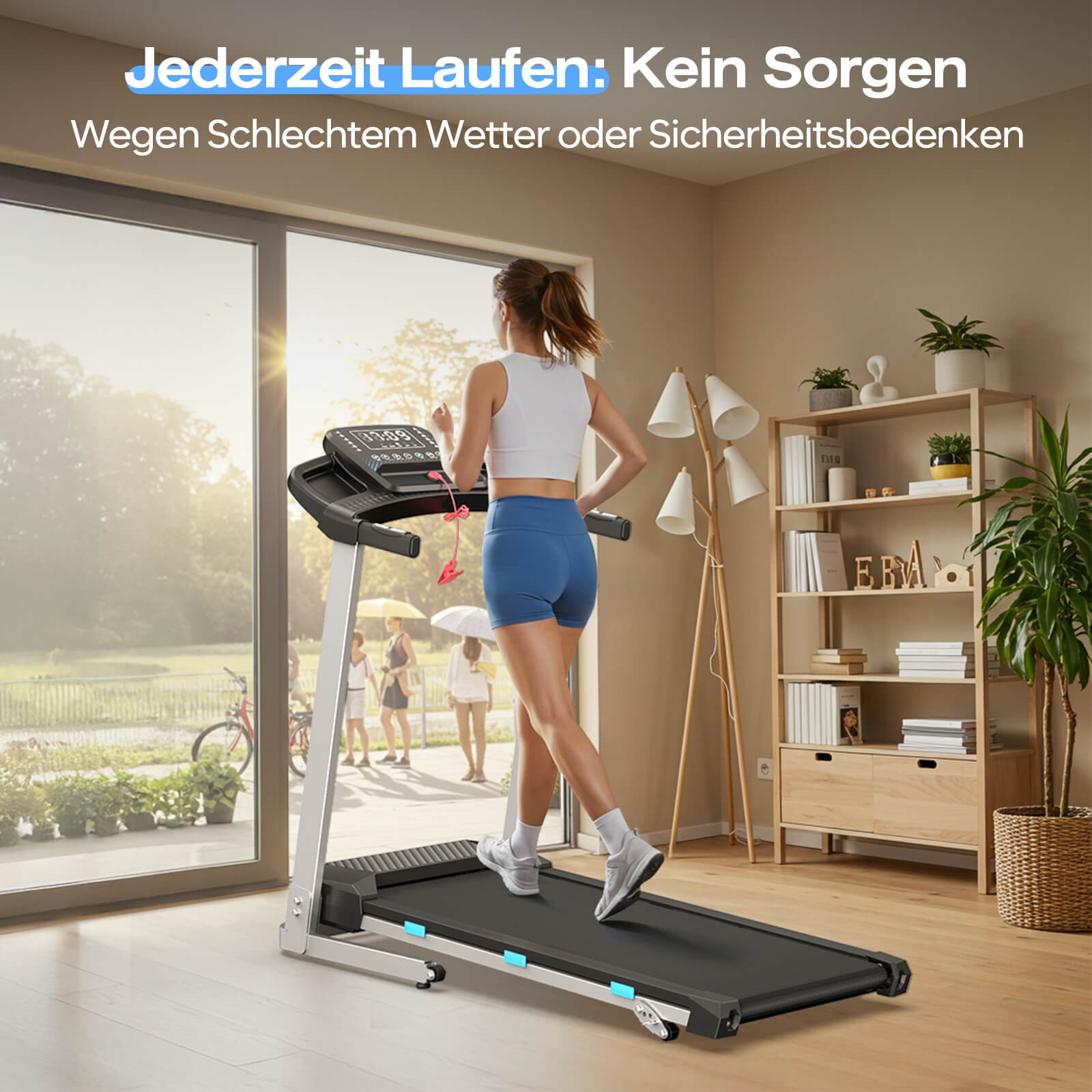

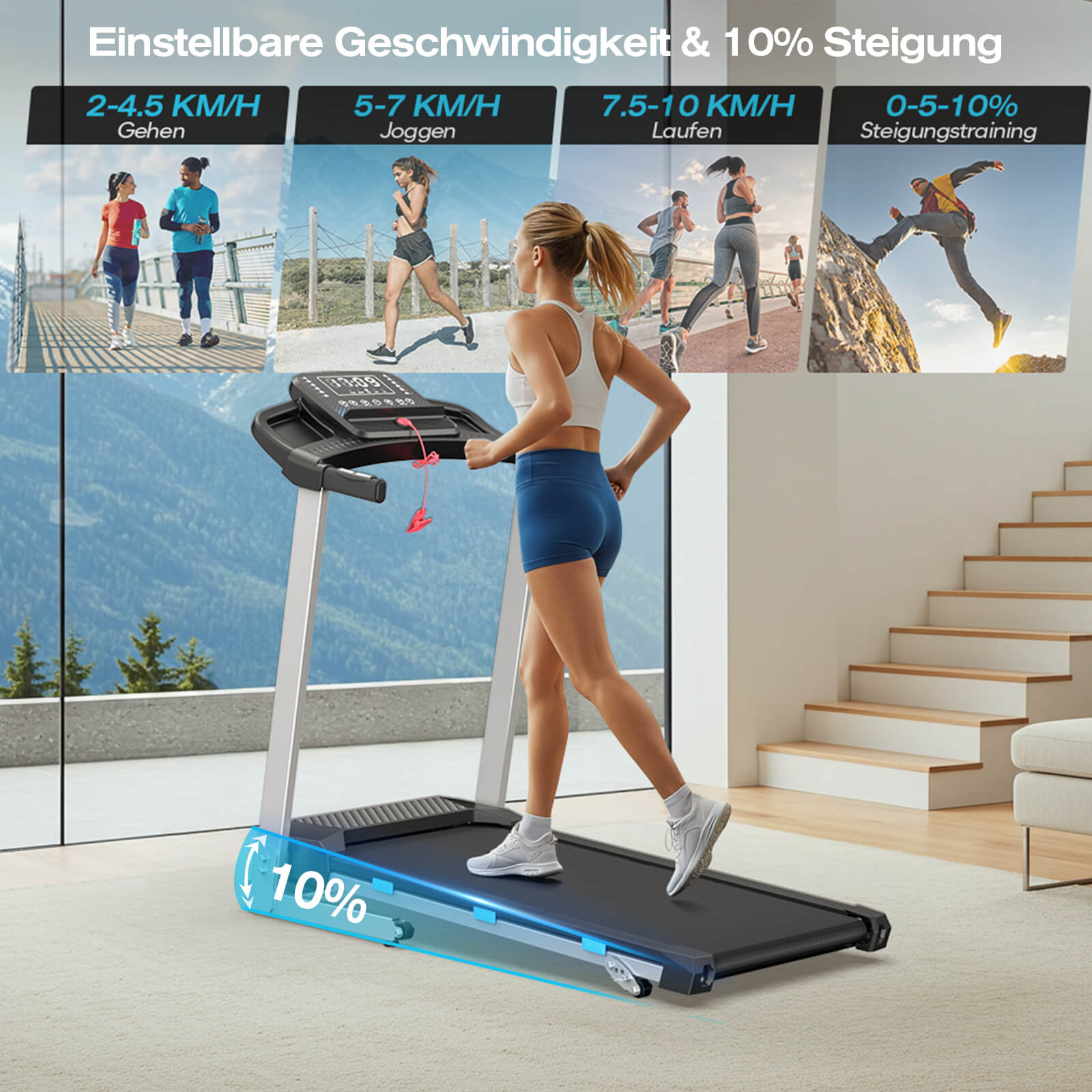
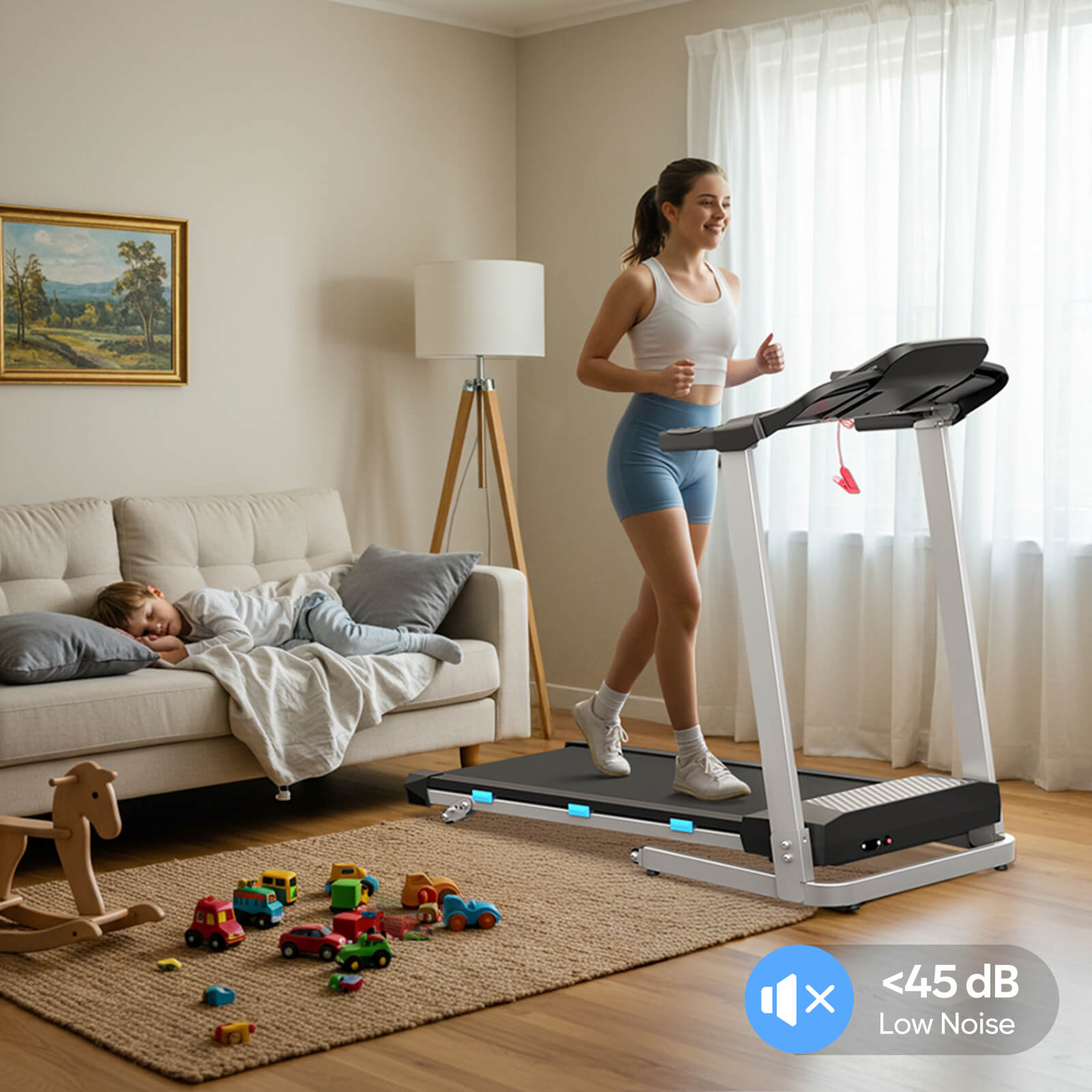
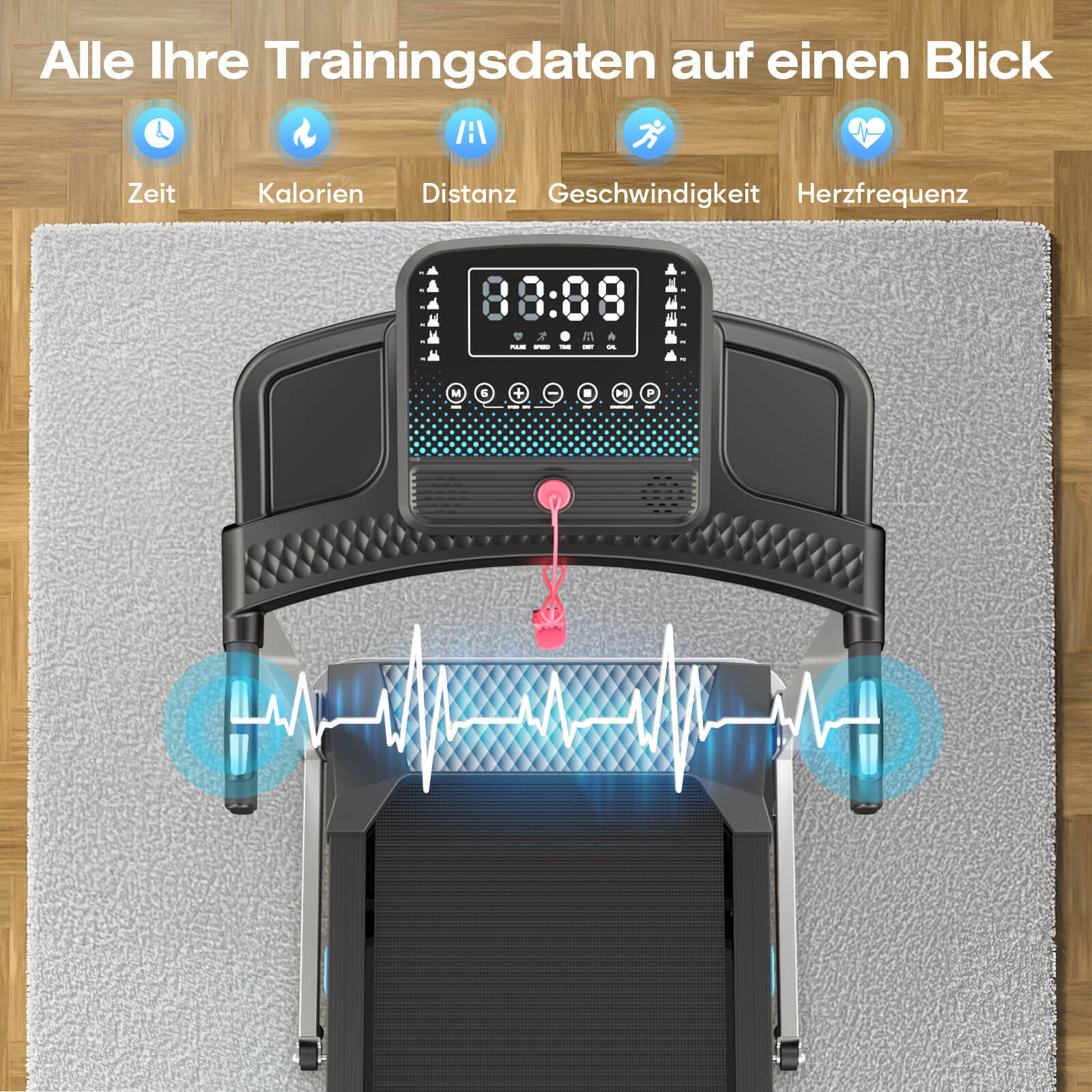
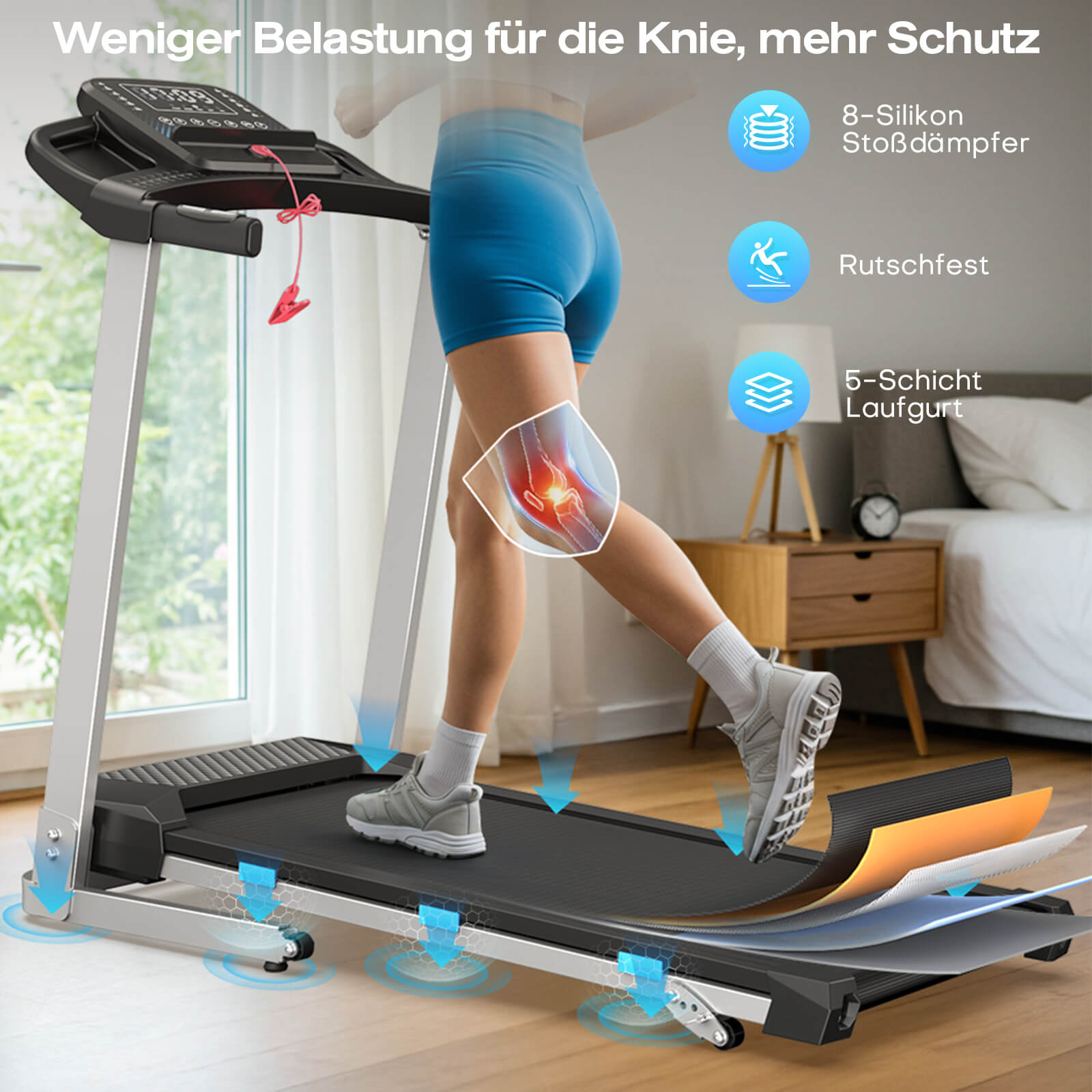
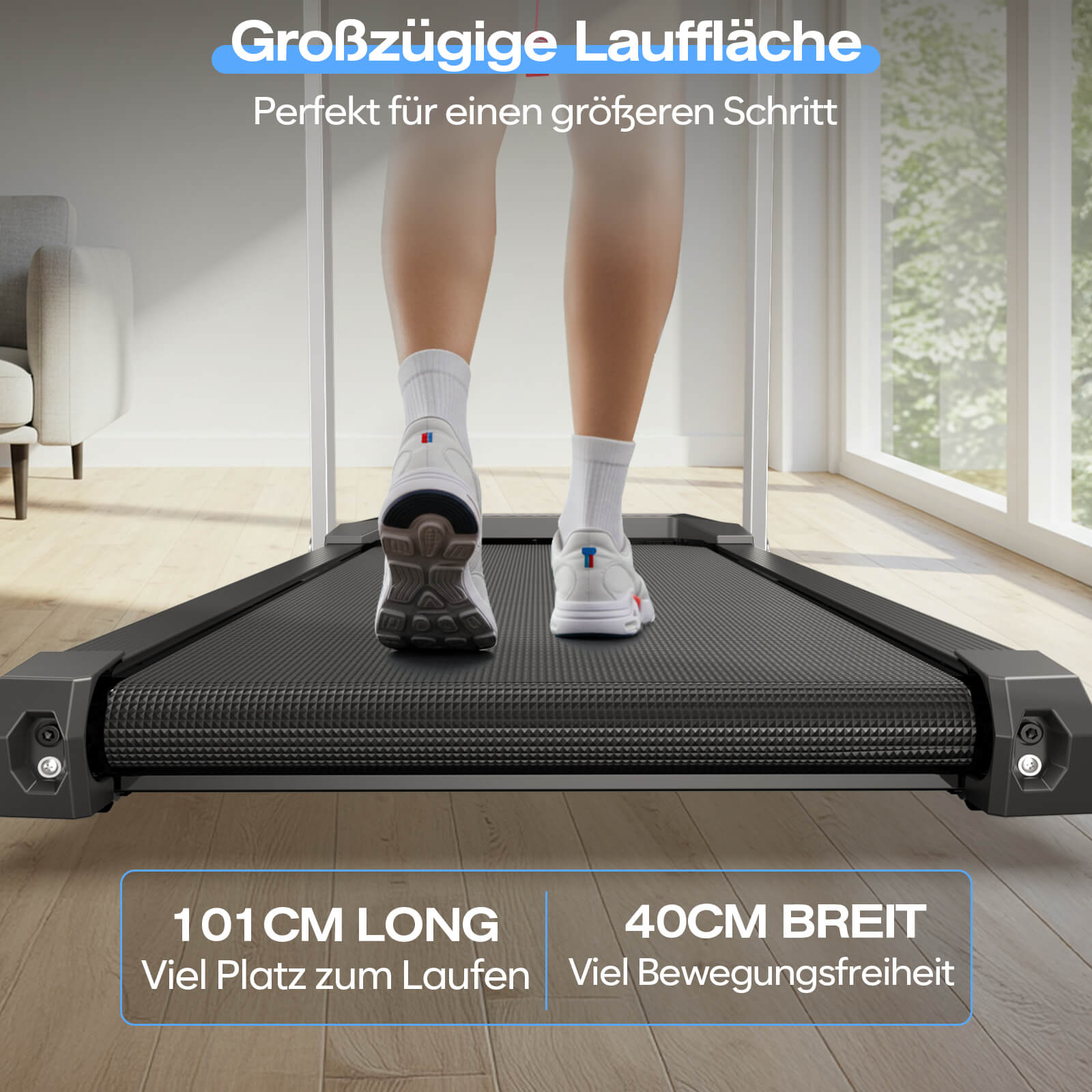
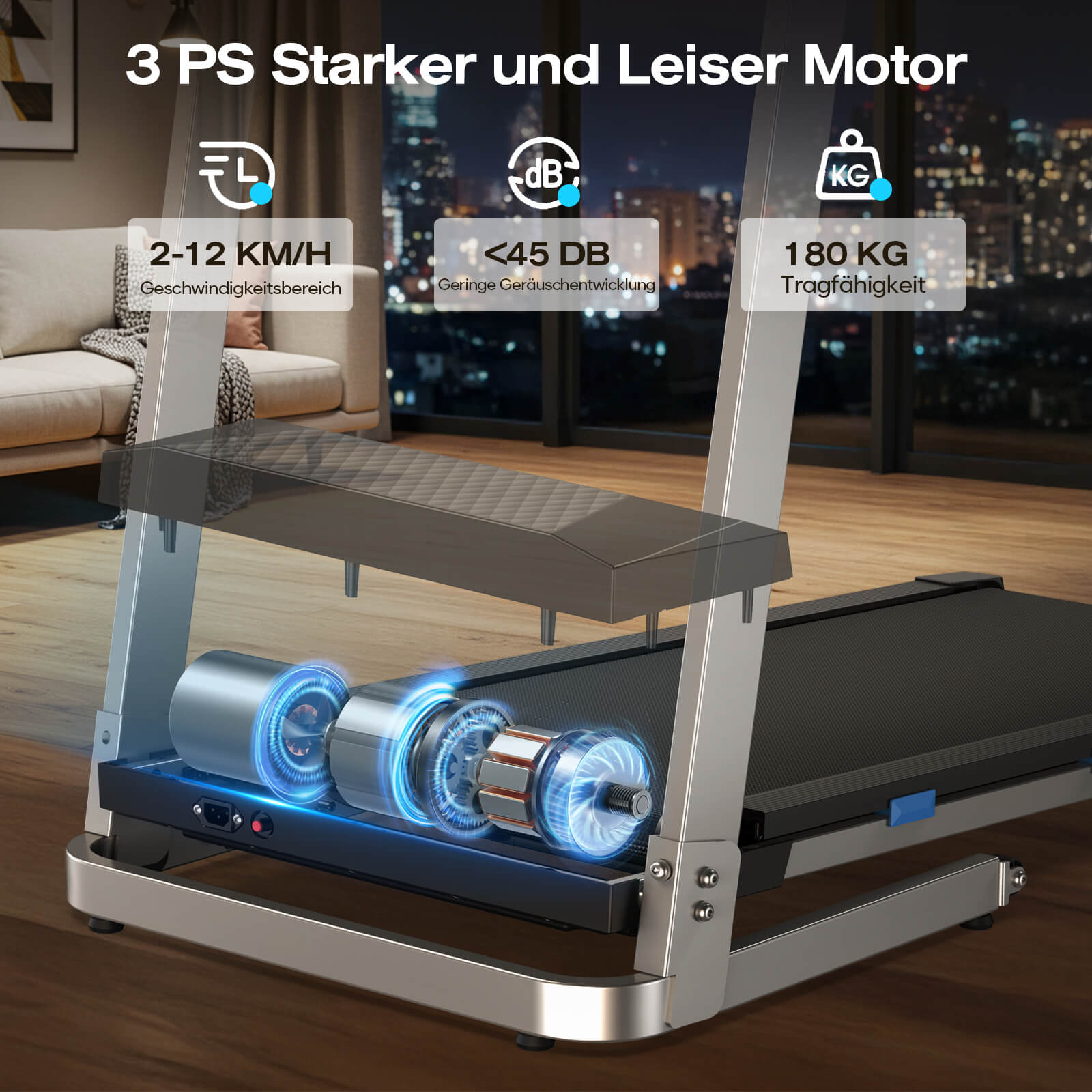
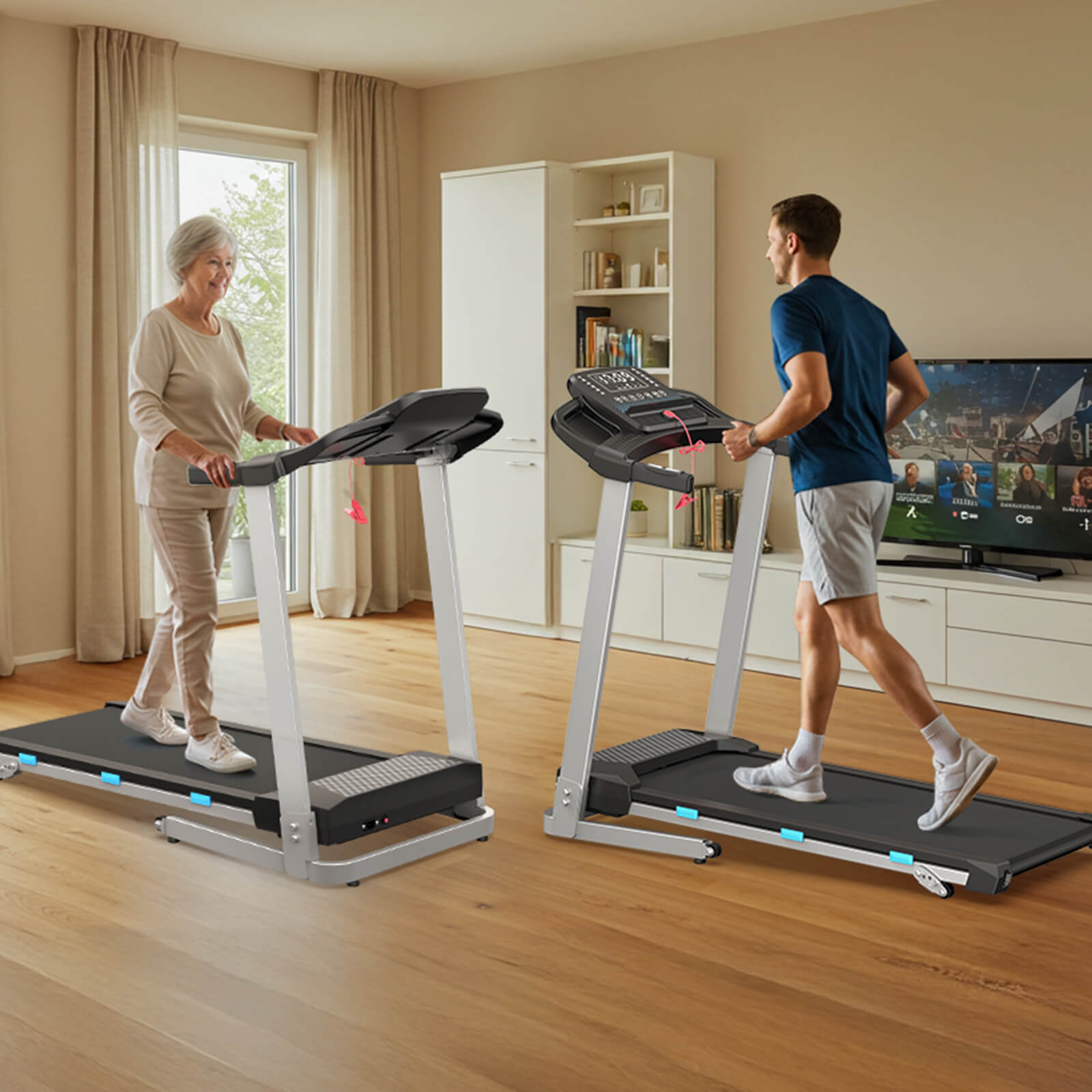
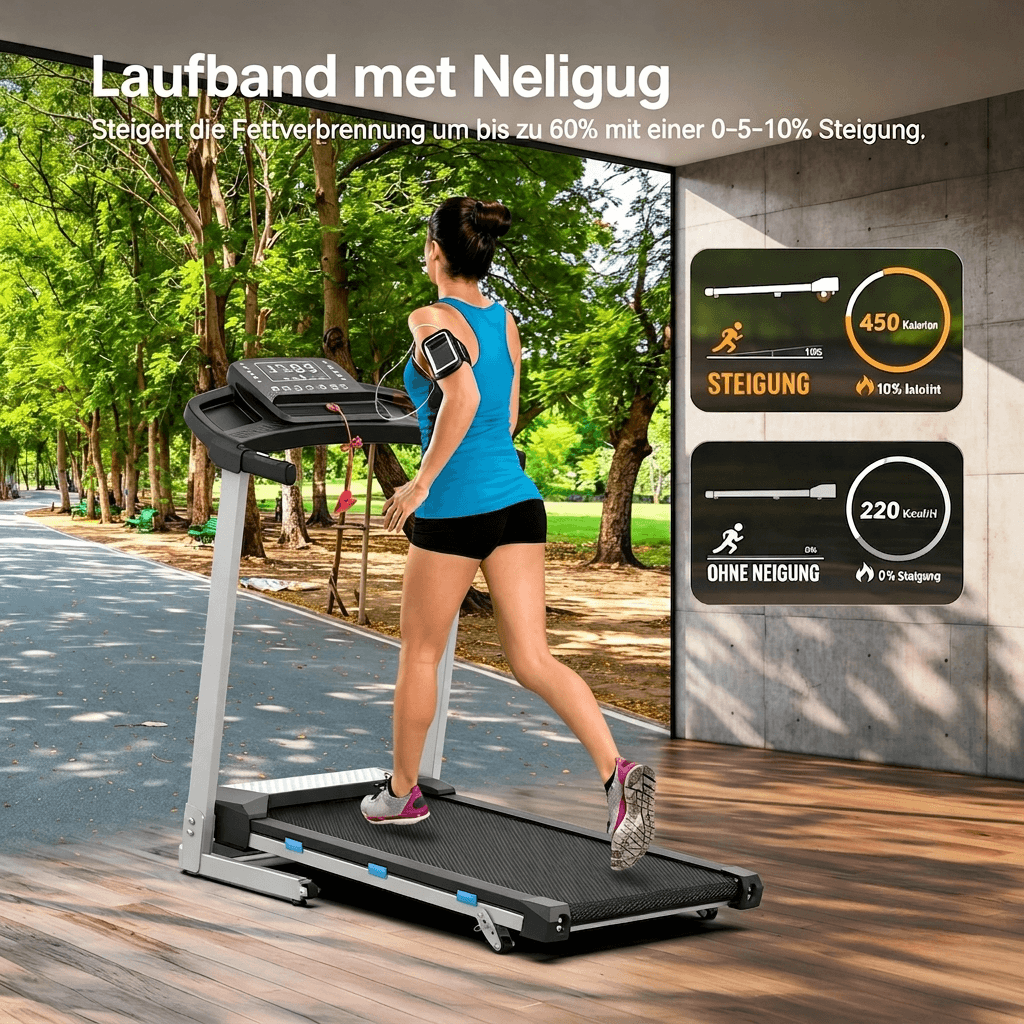
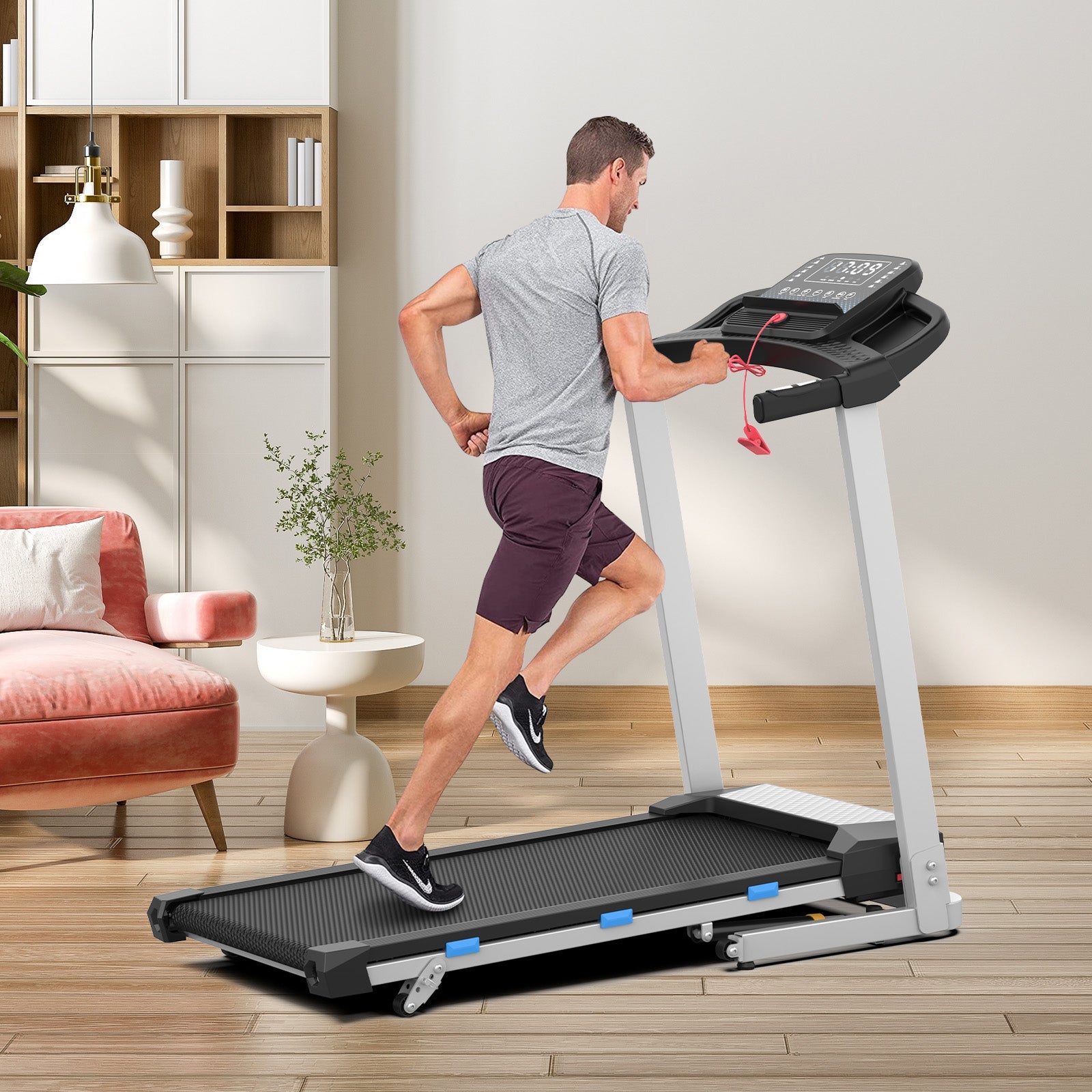
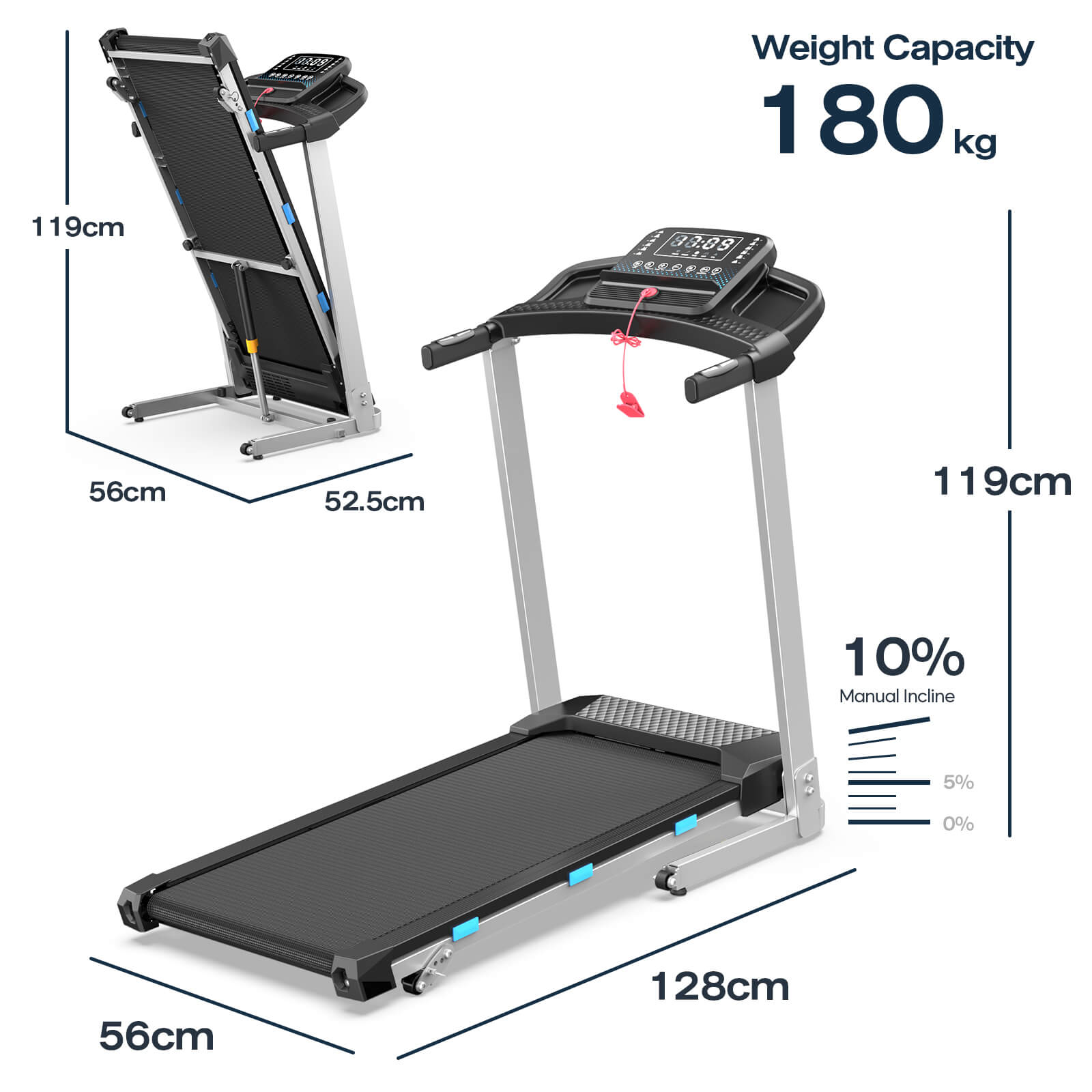
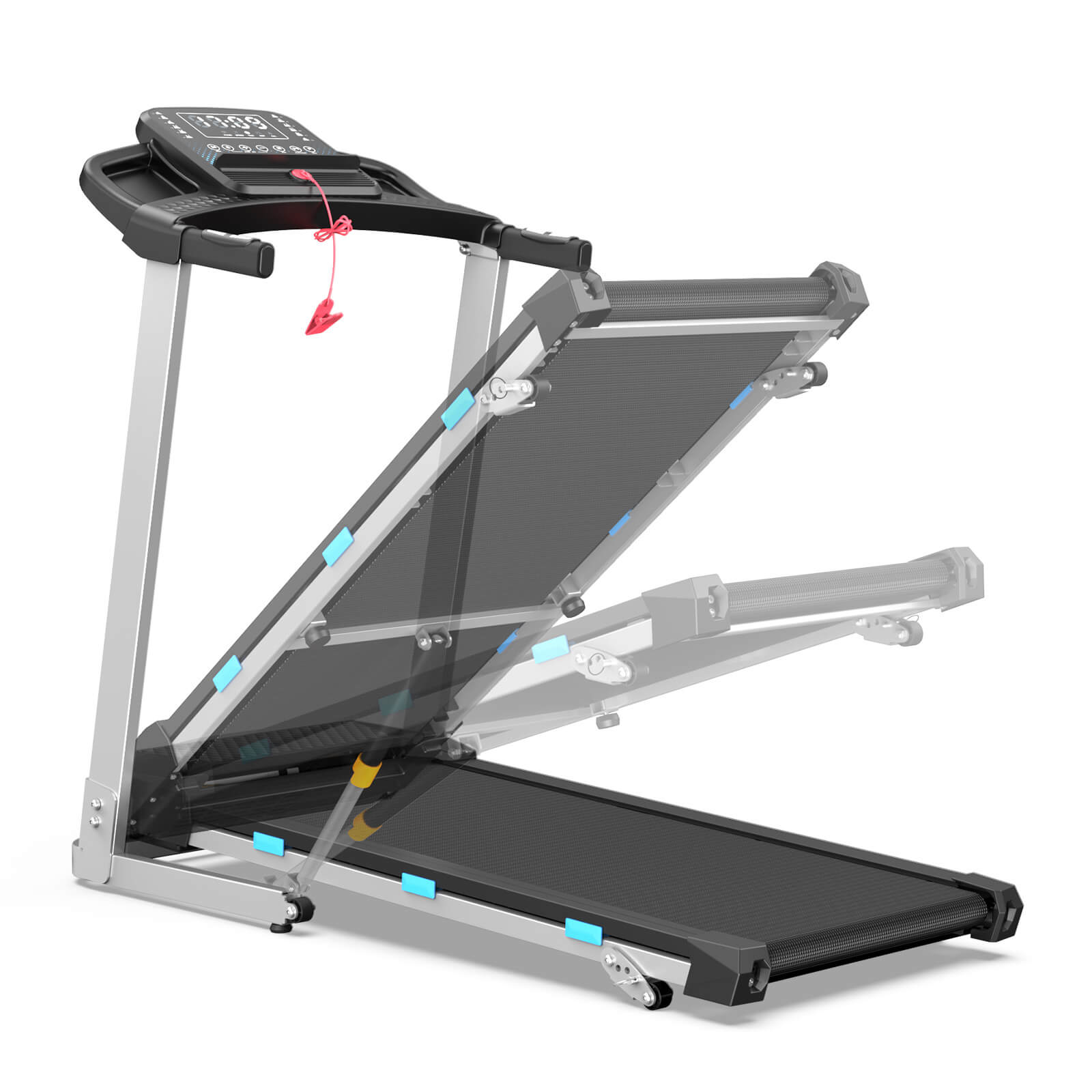
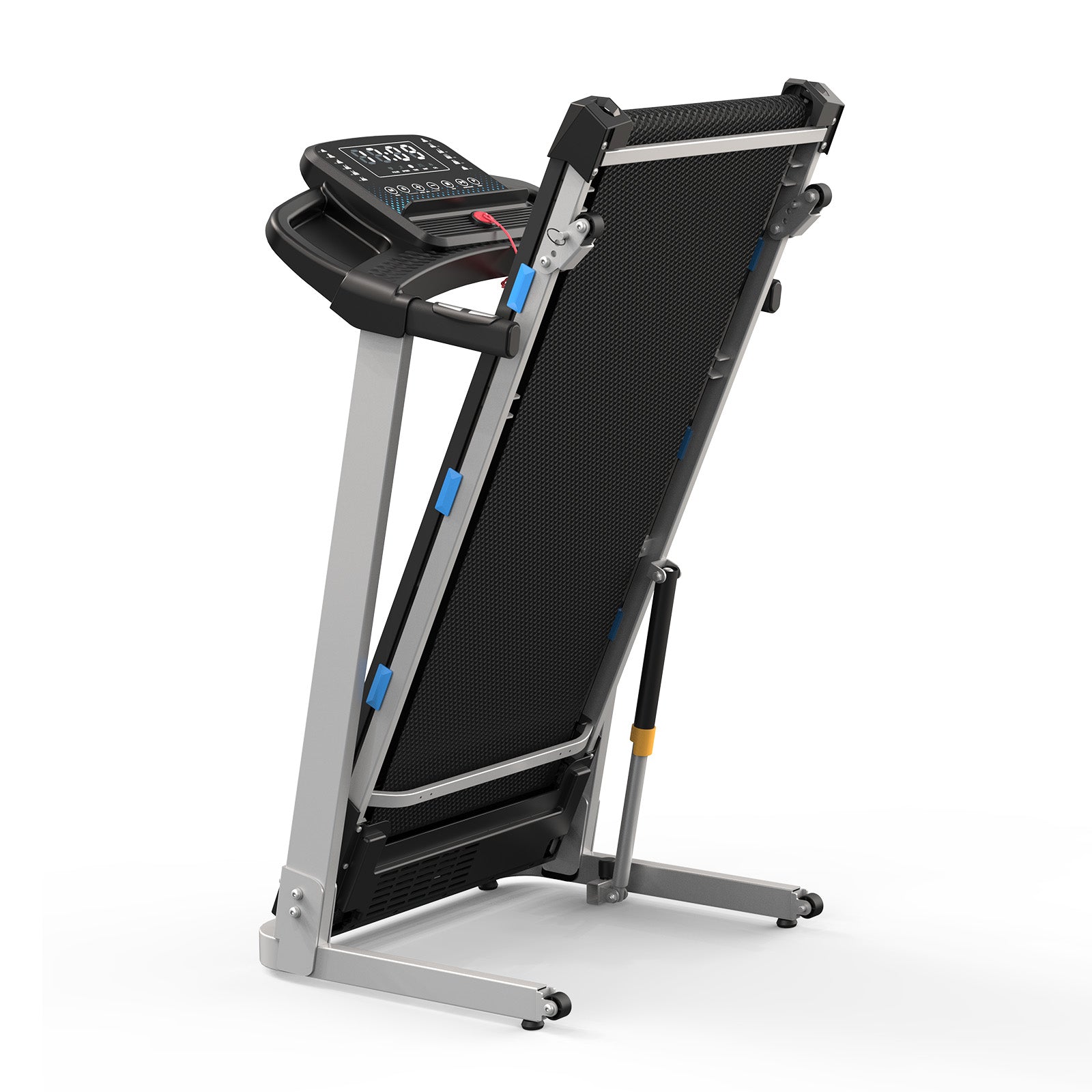
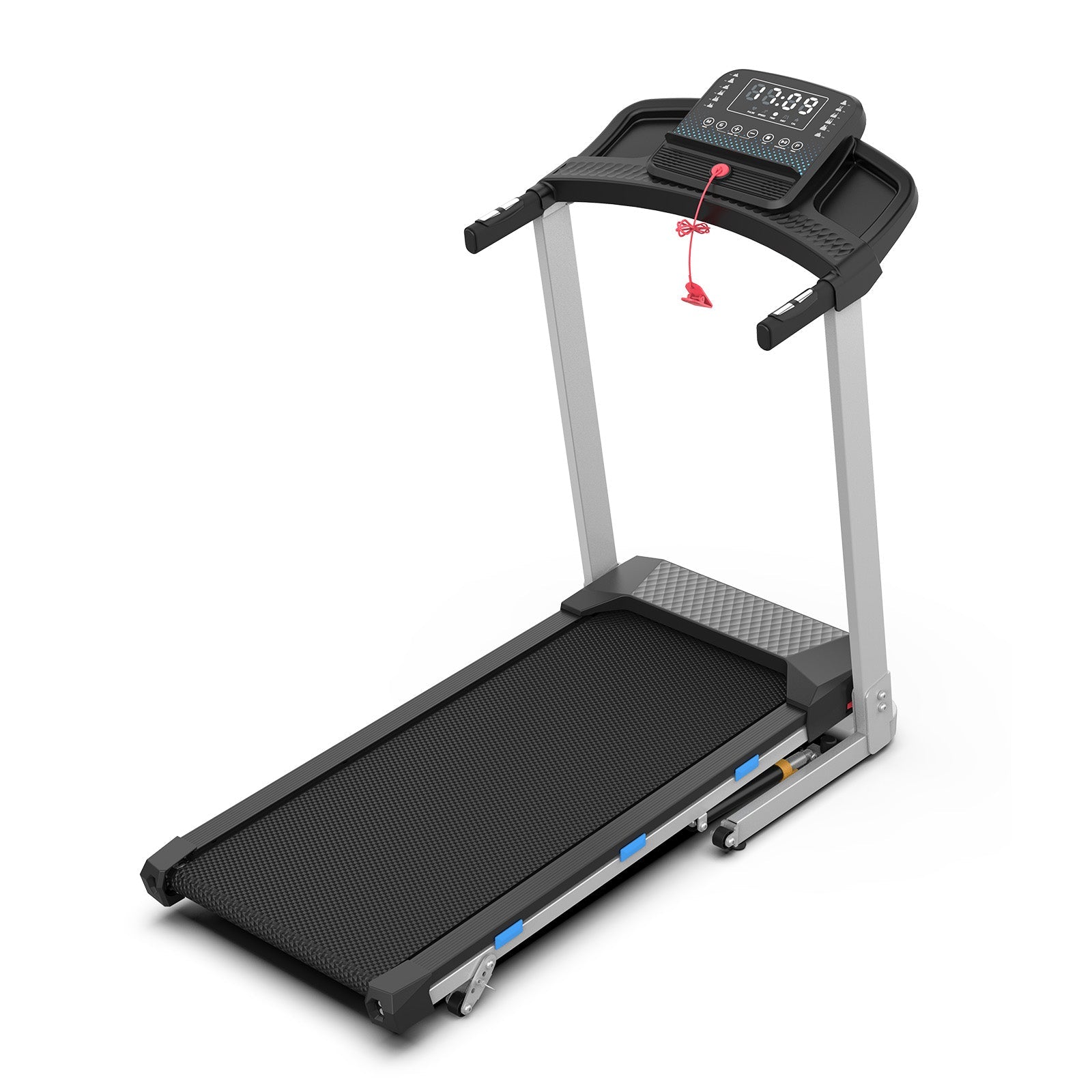
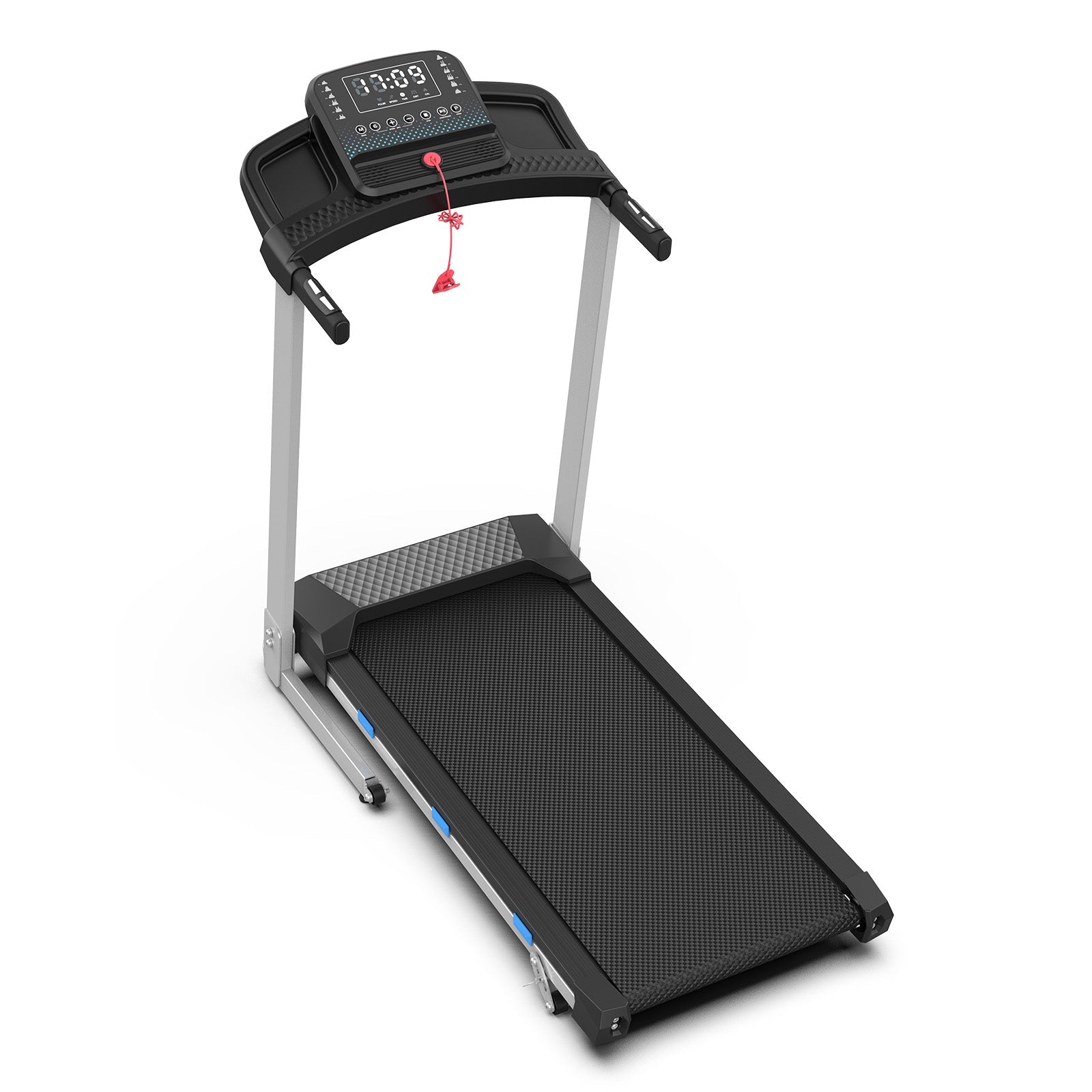
The TM015 is designed for stability and comfort, featuring side handrails for added support and a weight capacity of 180kg. The 40 × 101 cm running surface offers a comfortable stride, while the speed range of 2–12 km/h accommodates various fitness levels. With manual incline options (0%, 5%, 10%), you can precisely increase your workout intensity. Thanks to its foldable design, the treadmill can also be stored in a space-saving manner – ideal for any home gym.